13
Getting Started
2. Disconnect the charger from
Crossover when the battery is fully
charged.
Turning Crossover on/off
To turn on Crossover,
1
. Press and hold the LOCK/PWR key for a few seconds.
2. Unlock the screen.
To turn Crossover off,
1
. Press and hold the LOCK/PWR key.
2. Tap Power off.
3
. Tap OK.
Unlocking the screen
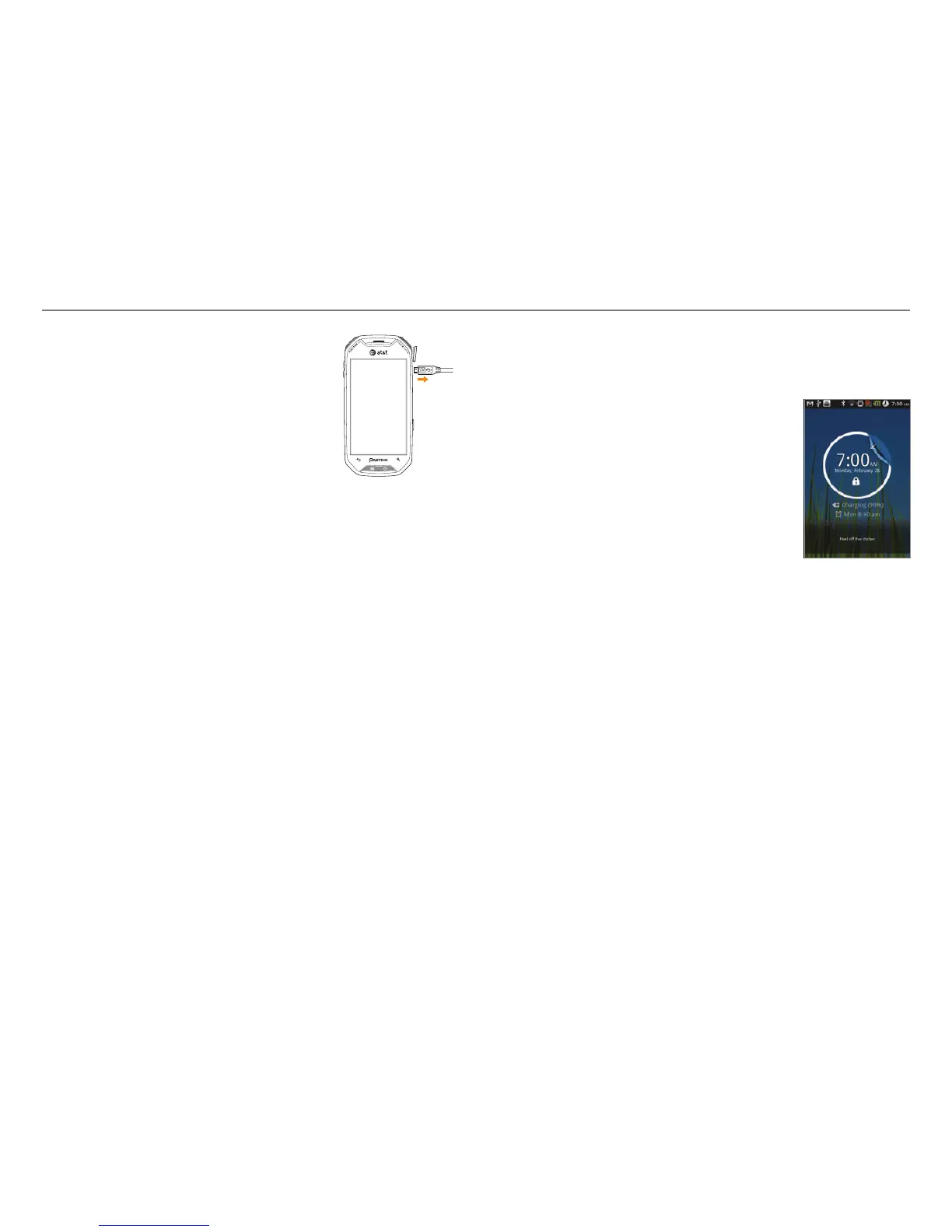
The screen is locked by default when you turn on power. To
unlock the screen,
1
. Press the LOCK/PWR key, n or o.
2
. Drag the arrow symbol diagonally.
3. Draw a pattern if the screen is
protected by pattern lock. Enter a
PIN or a password if the screen is
locked by a PIN or a password.
For more information on screen
lock, refer to Location & security in
Settings on page 89.
Locking the screen
Lock the screen to protect information in Crossover or save
the usage of the battery.
To lock the screen, press the LOCK/PWR key.



 To Next Page