42
Entertainment
Icon Name Description
Album Views saved videos
Settings
Changes settings: Resolution,
Shutter Sound
Camera
mode
Changes to the camera mode
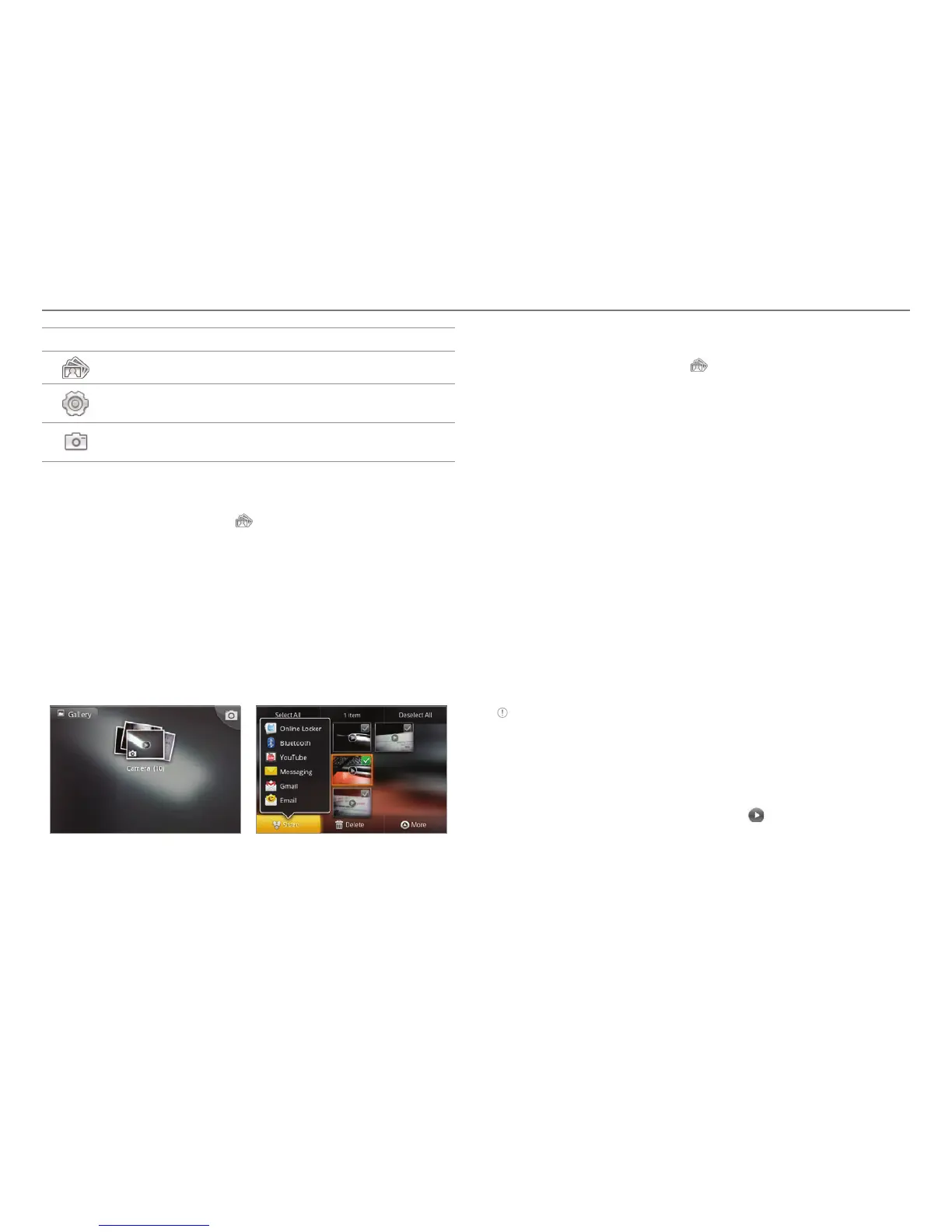
Sharing videos
1. Tap on the screen and tap while in the camcorder mode,
or tap Gallery in Applications.
2
. Tap on the first video on the screen.
3. Press and hold a video to share. If you want to share all
videos, tap Select All. You can also select a few videos.
4
. Tap Share.
5
. Tap YouTube, Bluetooth, Online Locker, Email, Gmail or
Messaging. If you select more than one videos, YouTube,
Bluetooth, Email, Gmail and Messaging are available.
Selecting a video Sharing a video
Deleting videos
1. Tap on the screen and tap while in the camcorder mode
or tap Gallery in Applications.
2
. Tap on the first video on the screen.
3. Press and hold a video to delete. If you want to delete all
videos, tap Select All. You can also select a few videos.
4
. Tap Delete > Confirm Delete.
Using the gallery
Viewing pictures
1. Tap Gallery from the applications menu.
2
. Select and tap a picture to view.
3. Tap the image on the screen to zoom in or out. Double-tap
on the screen to zoom in to the maximum.
4
. Flick the screen to the left or right if you want to see other
pictures.
Note Functions of the gallery disappear in a few seconds. Tap on the
screen if you want to see functions available.
Viewing videos
1. Tap Gallery from the applications menu.
2
. Select a video to view. An item with is a video.
3. Tap Movies or Video Player to run the video. You can
choose a default application to open videos.
4
. Tap on the screen to pause, fast-forward or rewind the
video.



 To Next Page