52 53
Easy Mode - Calls and address book
03
04
05
06
01
02
03
04
05
06
07
01
02
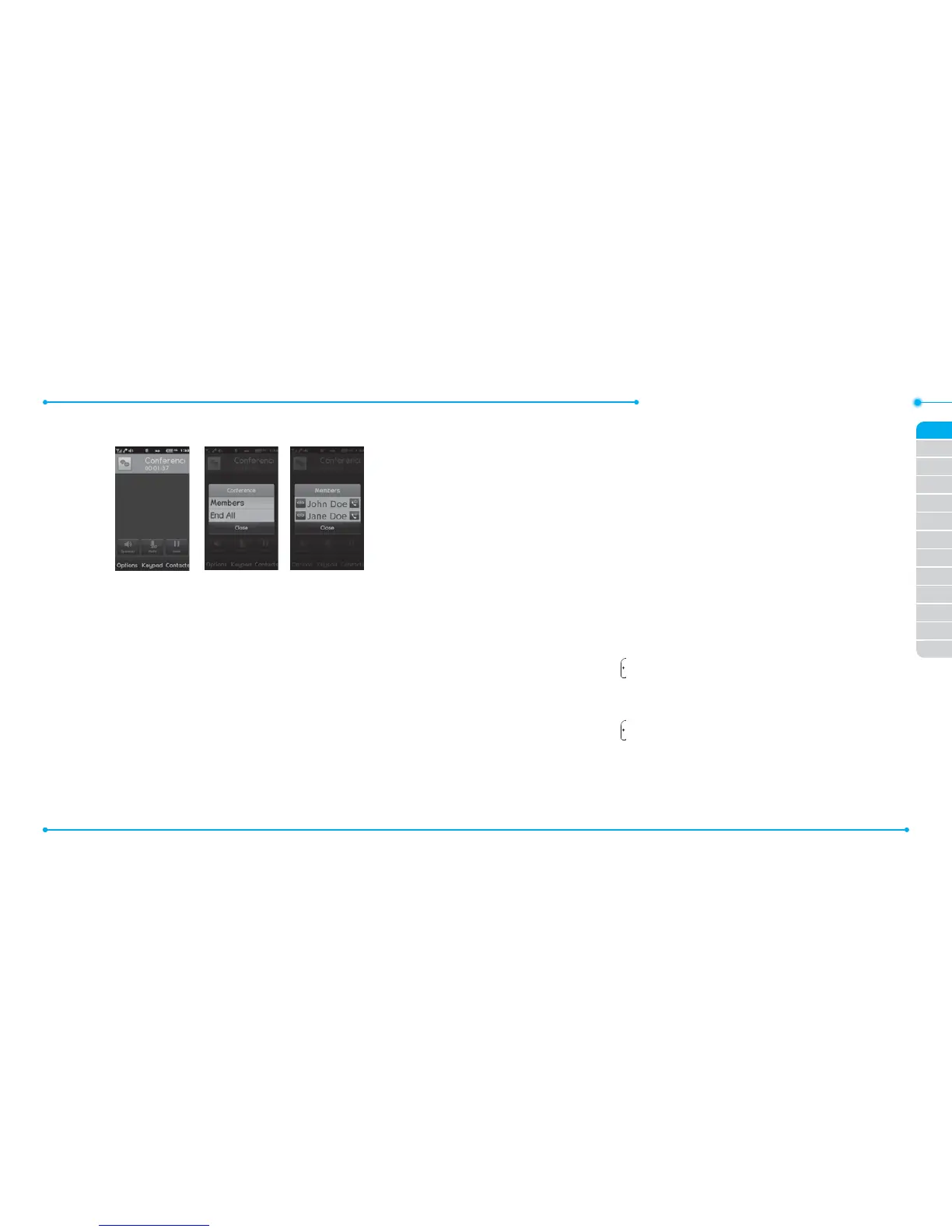
Note: All of the multi-party call participants can now hear each other.
Removing one participant from a multi-party call
1. Tap the participant to end.
2. Tap Members.
3. Tap
I
.
The call ends with that participant, but you can continue to talk to the
other participants.
Searching for a number in the address book during a call
1. Tap Contacts.
2. Select a contact by scrolling up or down the alphabet bar until you
see the rst letter of the contact.
3. Scroll to the contact and tap the name.
4. Tap Info to see phone numbers or Call to call a number.
Searching for a name or group in the address book
Enter the rst letters of the name for Name Search. The entries are
displayed starting with the rst entry matching your input.
Finding a name manually in the address book
1. Scroll up or down the alphabet bar until you see the rst letter of the
contact.
2. Scroll to the contact and tap the name.
Viewing the details of the highlighted entry in the address
book
1. Tap Info.
For details on address book, see page 55.
Reading a message during a call
1. Press and hold and tap Messaging.
2. Tap Inbox then select a message.
Sending a message during a call
1. Press and hold and tap Messaging.
For details on creating a text message, see page 66.
Saving contacts during a Call
1. Tap Options > Save > New Contact or Update Existing.



 To Next Page