140 141
Advanced Mode - Multimedia
03
04
05
06
01
02
03
04
05
06
07
01
02
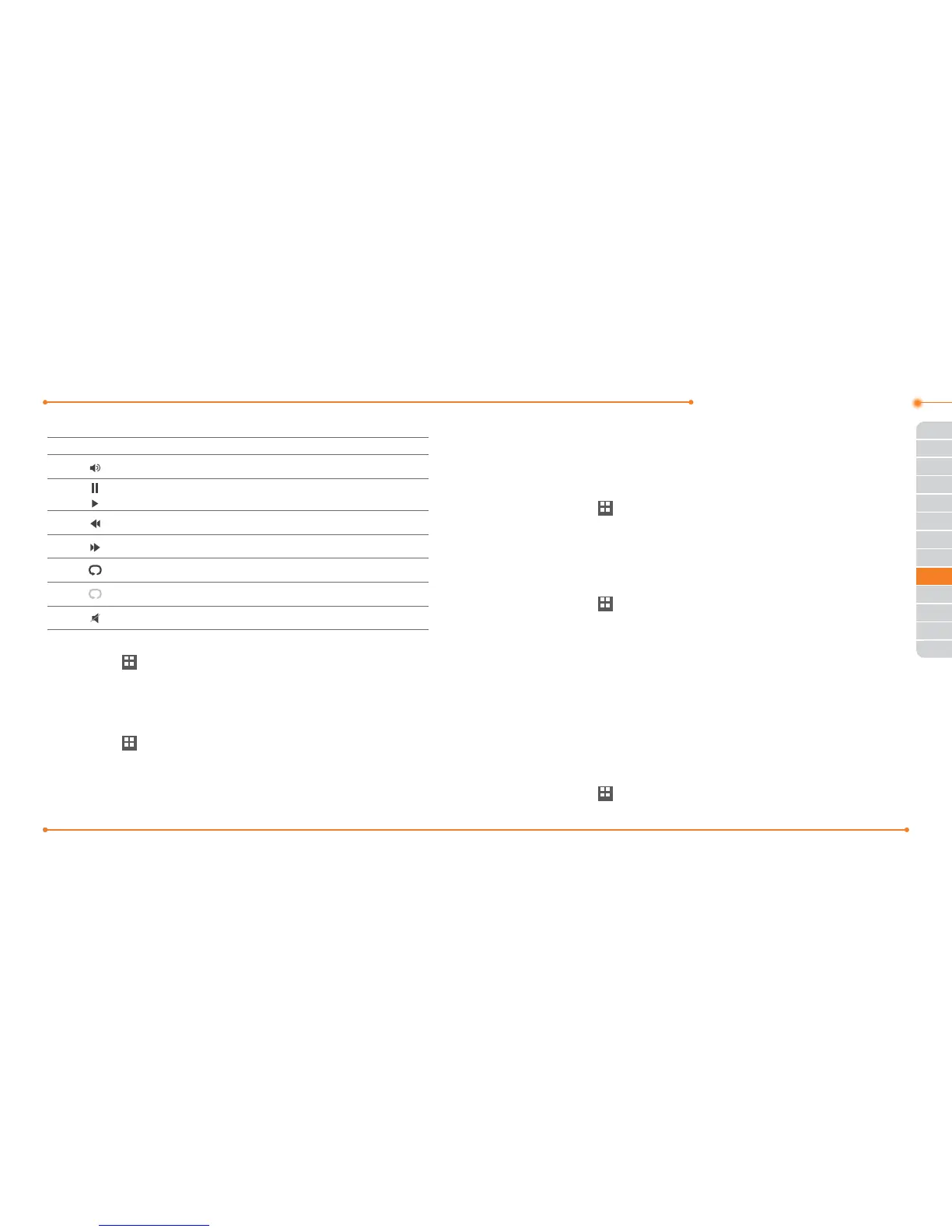
Icons for player
Icon Name Description
Volume
Pause
Play
Previous Track Tap and hold: Fast Rewind
Next Track Tap and hold: Fast Forward
Repeat on
Repeat o
Mute
Playing the video clip
1. Tap Menu
Menu
> Tools > Media Player.
2. Tap Video.
3. Scroll and tap to select a le.
Playing the audio le
1. Tap Menu
Menu
> Tools > Media Player.
2. Tap Audio.
3. Tap the folder and le.
For the audio player control see page 137.
Other files
You can manage unsupported les formats that are saved on your
phone.
Viewing the list of the les
1. Tap Menu
Menu
> My Stu.
2. Tap Other Files.
Managing memory
Viewing memory status
1. Tap Menu
Menu
> My Stu.
2. Tap Used Space.
3. Scroll to view the information.
4. To view external memory card memory status, tap
D
and select
the Memory Card.
Playing games
You can play pre-installed demo games or download games. It is easy to
download and you can preview them beforehand.
Play games
1. Tap Menu
Menu
> Games.



 To Next Page