32 33
Getting Started
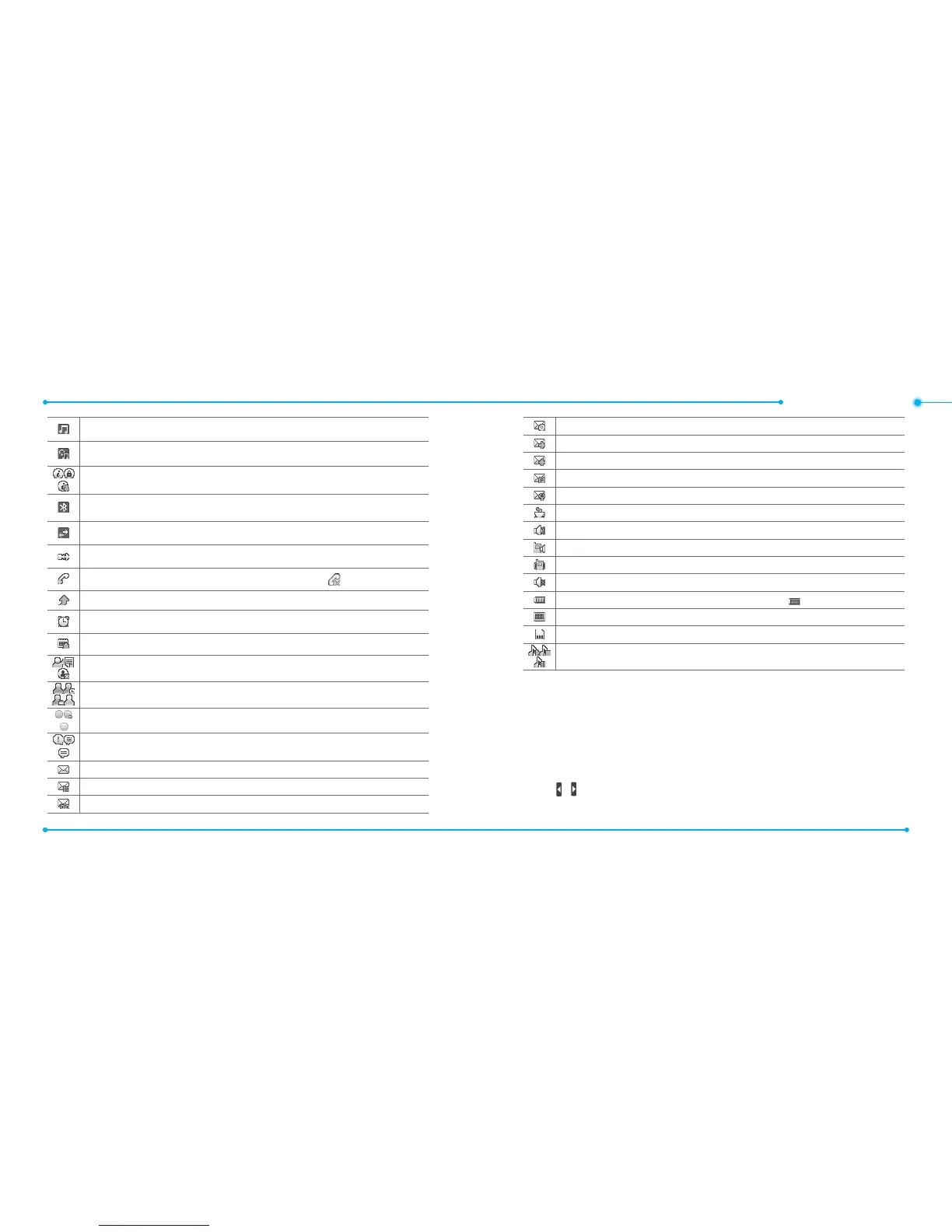
Bluetooth A2DP headset is connected.
Bluetooth hands-free + A2DP headset is connected.
Browser is Active, Secured and being downloaded.
Bluetooth is active.
Data transfer via Bluetooth.
USB is connected.
A call is being made. When you are in no service area is displayed.
Call forwarding
1
is active.
An alarm is set
.
Schedule Alarm is set
.
Available, Away, Invisible Status of AIM.
Online, Away, Busy, Oine Status of MSN.
Available, Busy, Invisible Status of YAHOO
You have received YAHOO, AIM and YAHOO new messages
Received one or more text messages.
Received one or more multimedia messages
.
Received one or more voice messages
.
Received one or more WAP push messages.
A message is being sent
.
A message is being received
.
A message is full
.
Received one or more conguration messages
.
Java
Incoming calls set to ring only (Normal).
Incoming calls set to Vibrate and Ring.
Incoming calls set to Vibrate only.
Incoming calls set to Silent
.
Battery strength. When the battery charge is low, is displayed
.
TTY is active.
microSD card is inserted.
BGM is play, pause and being stopped.
1
Network dependent
Language
Setting up easy mode
1. Tap Menu > Settings > Display.
2. Tap Language.
3. Tap
/ to set the language type of Screen Text and Predictive text
> Save.



 To Next Page