138 139
Advanced Mode - Multimedia
03
04
05
06
01
02
03
04
05
06
07
01
02
2. Tap My Voice.
3. Tap the le to play
Using sound controls
To Tap
Pause
Play
Rewind
Fast forward
Control volume or press side volume keys
Setting as a ring tone
1. Tap Menu
Menu
> My Stu > Audio.
2. Tap
C
of the selected le > Set as Ring Tone.
Note: The maximum ringtone le size is 300KB.
Moving or copying multiple sound to external memory
1. Tap Menu
Menu
> My Stu > Audio.
2. Tap Options > Copy or Move.
3. Select the le to move > Move.
4. Move to other folder or external memory card > Move here?.
The selected sound will be copied or moved to Audio folder in external
memory card.
Sending sound le using multimedia message
1. Tap Menu
Menu
> My Stu > Audio.
2. Tap
C
of the selected le > Send > as Multimedia Message.
Media player
You can play video clips with the media player.
Note: Do not use this feature illegally. Sound and video can be protected by
copyright. It is illegal to copy such sound / video tracks for the purpose of
selling or distribution. Pantech does not in any way support the unauthorized
use of content on your phone media player.
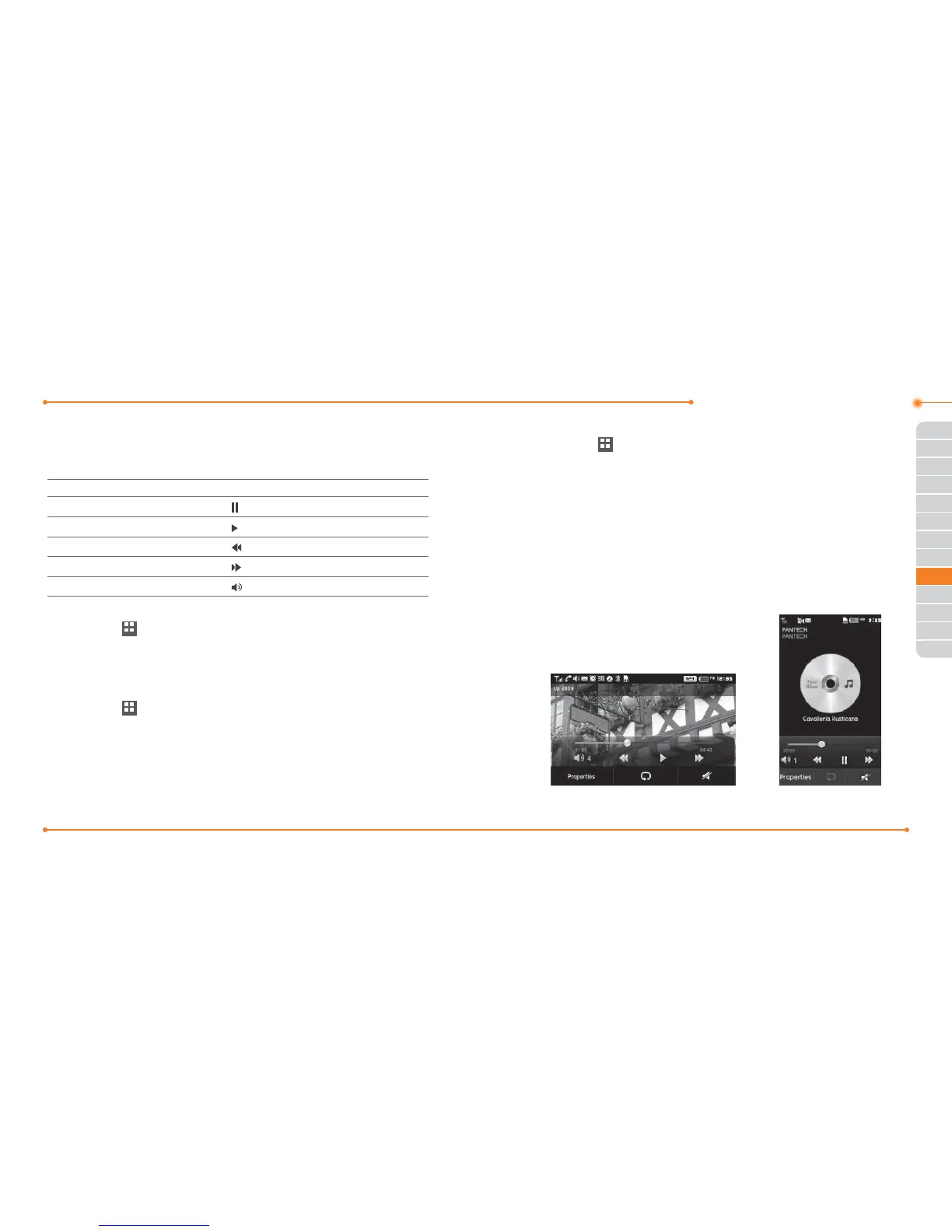
<Video> <Audio>



 To Next Page