124 125
Advanced Mode - Multimedia
03
04
05
06
01
02
03
04
05
06
07
01
02
Camera
You can take pictures and record movies using the built-in camera. The
photos and video clips can be saved and sent via multimedia messages and
Bluetooth.
Setting camera settings
1. Press
in standby mode or tap Menu
Menu
> Camera.
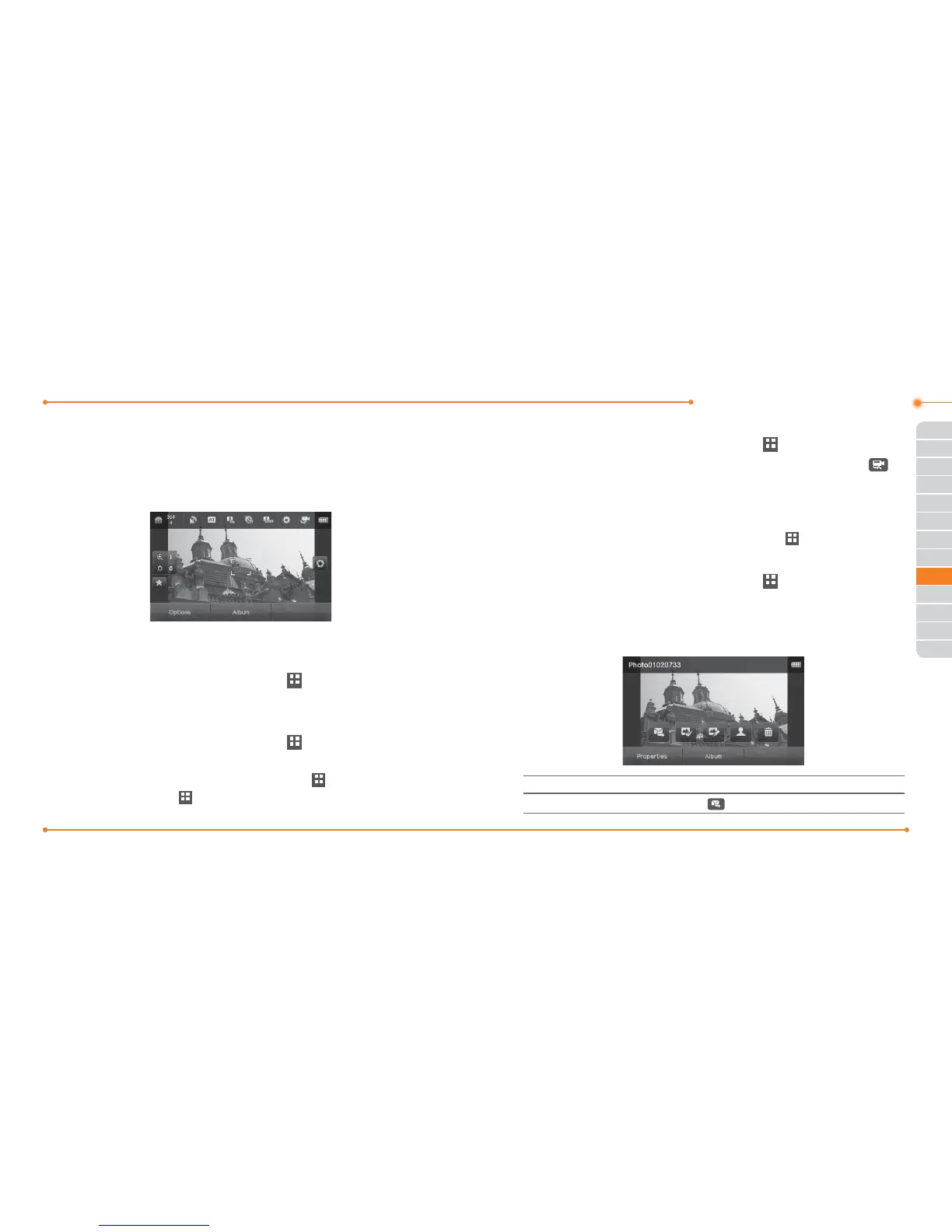
2. Tap Options > Settings to change settings prior to taking a picture.
Taking a picture
1. Press
in standby mode or tap Menu
Menu
> Camera.
2. Focus on the object and tap
\
.
Note: Your photo will be saved automatically to Menu
Menu
> My Stu >
Picture > Camera or Menu
Menu
> Picture > Camera.
Changing to video camera mode
1. Press
in standby mode or tap Menu
Menu
> Camera.
2. Tap Options while camera mode is activated or simply just tap
.
3. Tap Video Camera Mode.
4. Focus on the object and tap
]
.
5. Record the motion >
Stop.
Note: Your video will be saved automatically to Menu
Menu
> My Stu > Video.
Viewing the taken picture
1. Press
in standby mode or tap Menu
Menu
> Camera.
2. Tap Album.
3. Select the picture by tapping.
After taking pictures
To Tap
Send a multimedia message
> as Multimedia Message



 To Next Page