80 81
Easy Mode - Multimedia
03
04
05
06
01
02
03
04
05
06
07
01
02
Copy to the saved video clips
1. Tap Menu > Camera > My Videos.
2. Tap
C
of the selected video > Copy.
3. Copy to other folder or external memory card > Copy here?.
Move to the saved video clips
1. Tap Menu > Camera > My Videos.
2. Tap
C
of the selected video > Move.
3. Move to other folder or external memory card > Move here?.
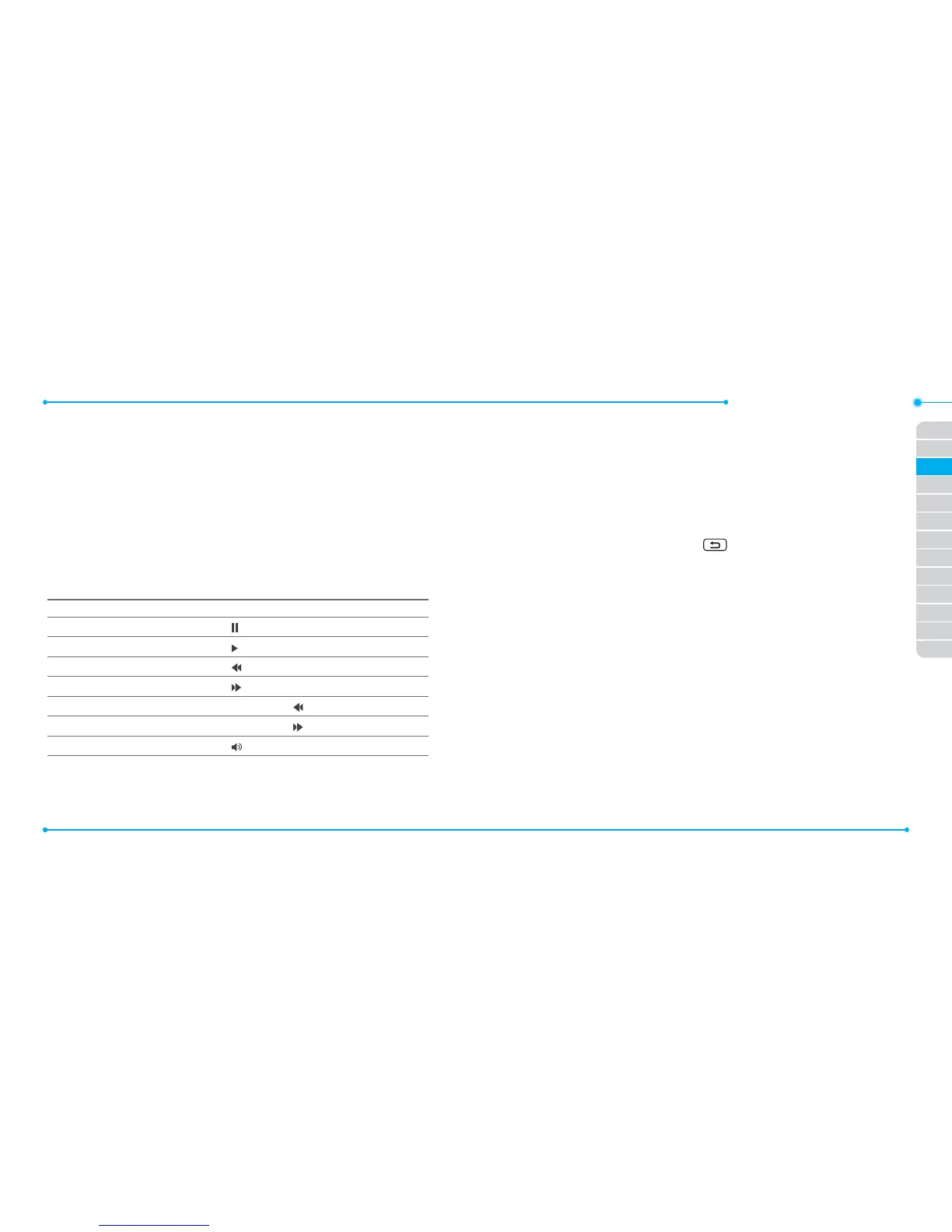
Using video player controls
To Tap
Pause
Play
Previous track
Next track
Fast rewind Tap and hold
Fast forward Tap and hold
Control volume or press side volume keys
Sending video clip using multimedia message
1. Tap Menu > Camera > My Videos.
2. Tap
C
of the selected video > Send > as Multimedia Message.
For details on creating a multimedia message, see page 66.
Deleting multiple video clips
1. Tap Menu > Camera > My Videos.
2. Tap Options > Delete.
3. Tap to mark desired les or tap All to mark all les.
4. Tap Delete > Yes.
5. To cancel deleting action press
.



 To Next Page