21
Getting Started
Adding a home screen item
The Contents and Contacts screens allow you to assign items
to the screen.
1. Tap
> Add .
2. Tap a desired menu.
3. Once you have added one or more items to the screen,
or
is displayed to customize the home screen.
®
Deleting a home screen item
1. Tap > Delete .
2. Tap
on the item to delete.
Note This action is only applied to the home screen.
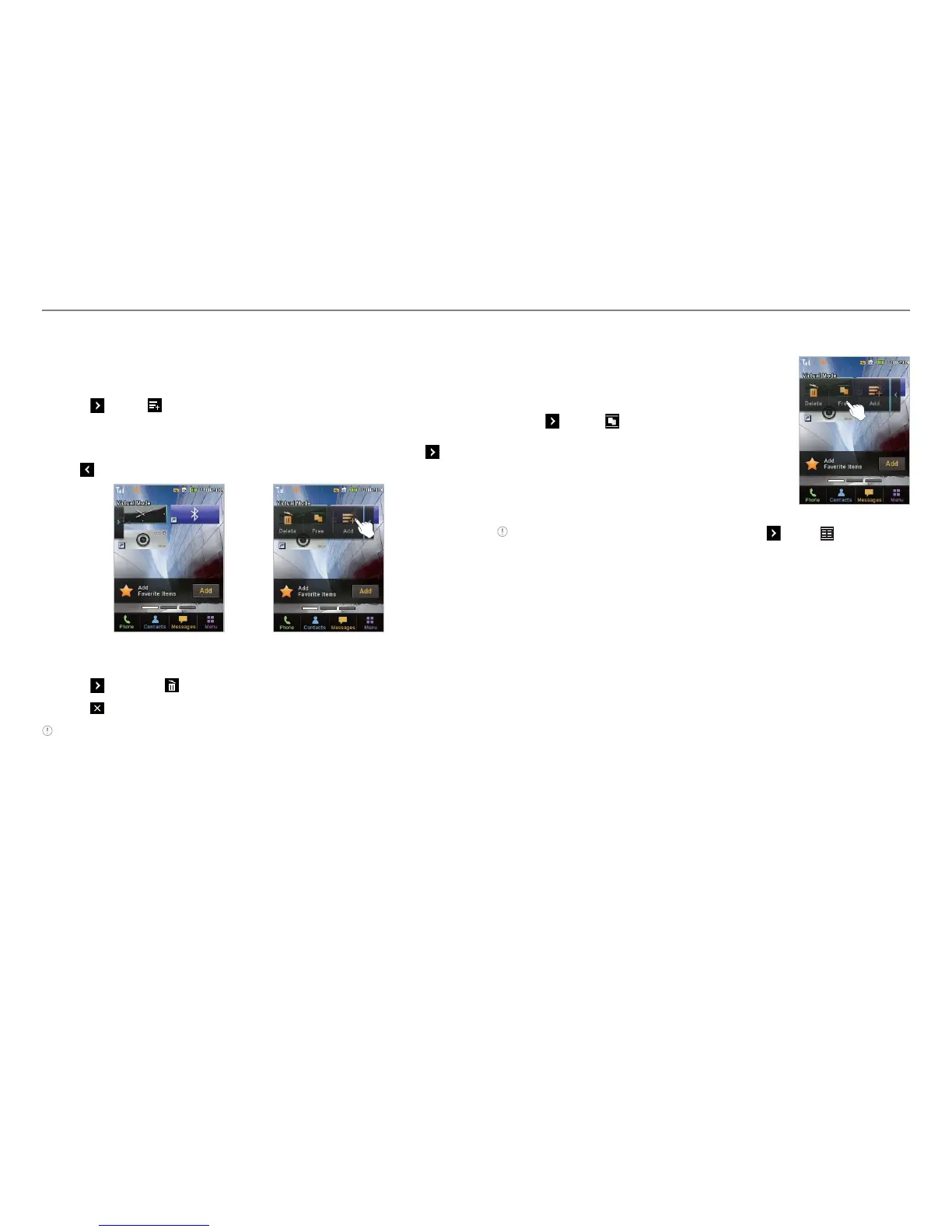
Repositioning a home screen item
Once the items are assigned to the home
screen, you can reposition the items for your
convenience.
1. Tap
> Free .
2. Tap and hold an item until the selected
item is dimmed out.
3. Drag to the desired position.
4. Position the item, and then release it.
Note If you want to reposition the items, tap > Grid .



 To Next Page