54
Documents
Calculator, tip calculator and converter
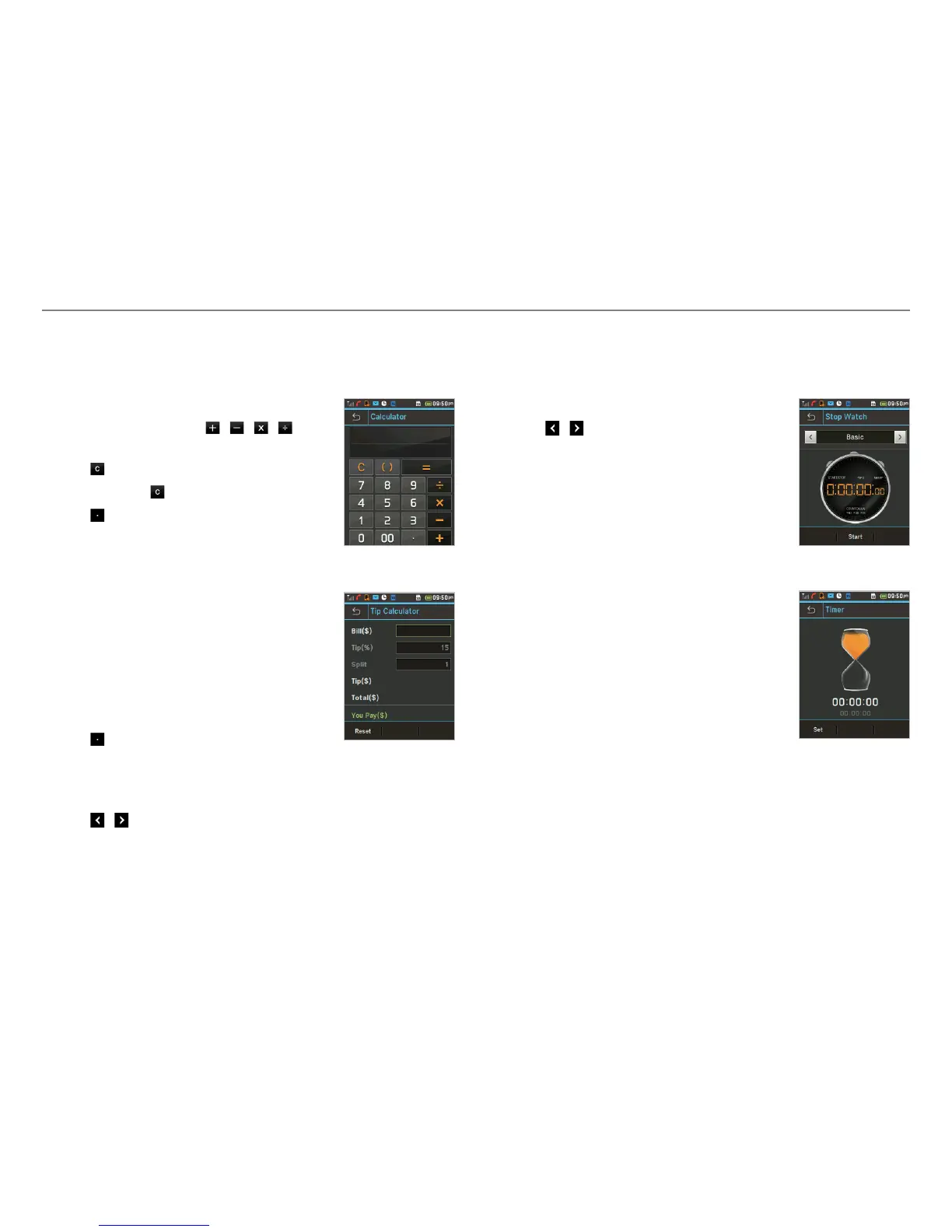
Using the calculator
1. Tap Menu : > Tools > Calculator.
2. Tap the numbers and
/ / / to
calculate.
3. Tap
to erase one digit.
4. Tap and hold
to reset.
5. Tap
to use the decimal point.
Using the tip calculator
1. Tap Menu : > Tools > Tip Calculator.
2. Tap to enter values for all variable
fields (Bill($), Tip(%), Split) and the
corresponding calculation fields
(Tip($), Total($), You Pay($)) are
updated automatically.
3. Tap Reset to reset.
4. Tap
to use the decimal point.
Using the converter
1. Tap Menu : > Tools > Converter.
2. Tap
/ to select the categories.
3. Tap the field to enter a number and scroll left or right to
select the unit. Other unit fields are updated automatically.
4. Tap Reset to reset.
Stop watch and timer
Using the stop watch
1. Tap Menu : > Tools > Stop Watch.
2. Tap
/ to select Basic, Split or Lap.
3. Tap Start to start.
4. Tap Stop to pause.
5. Tap Continue to resume.
6. Tap Reset to clear.
Using the timer
1. Tap Menu : > Tools > Timer.
2. Tap Set to input the time
3. Scroll to set the hour, minute and second
> Save.
4. Tap Start to start.
5. Tap Pause to stop.
6. Tap Continue to resume.
7. Tap Restart to restart.



 To Next Page