52
Useful Features
Alarm
Setting an alarm
1. Tap Menu : > Tools > Alarm Clock.
2. Tap Create New.
3. Set the desired options.
4. Tap Save.
NoteTo set the alarm to ring when the phone is turned off, activate the
Power Alarm by dragging the bar to on.
Viewing saved alarms
1. Tap Menu : > Tools > Alarm Clock.
2. Scroll and tap an alarm to view the detail.
Editing existing alarms
1. Tap Menu : > Tools > Alarm Clock.
2. Scroll and tap to select an alarm.
3. Edit the alarm details.
4. Tap Save.
Calendar
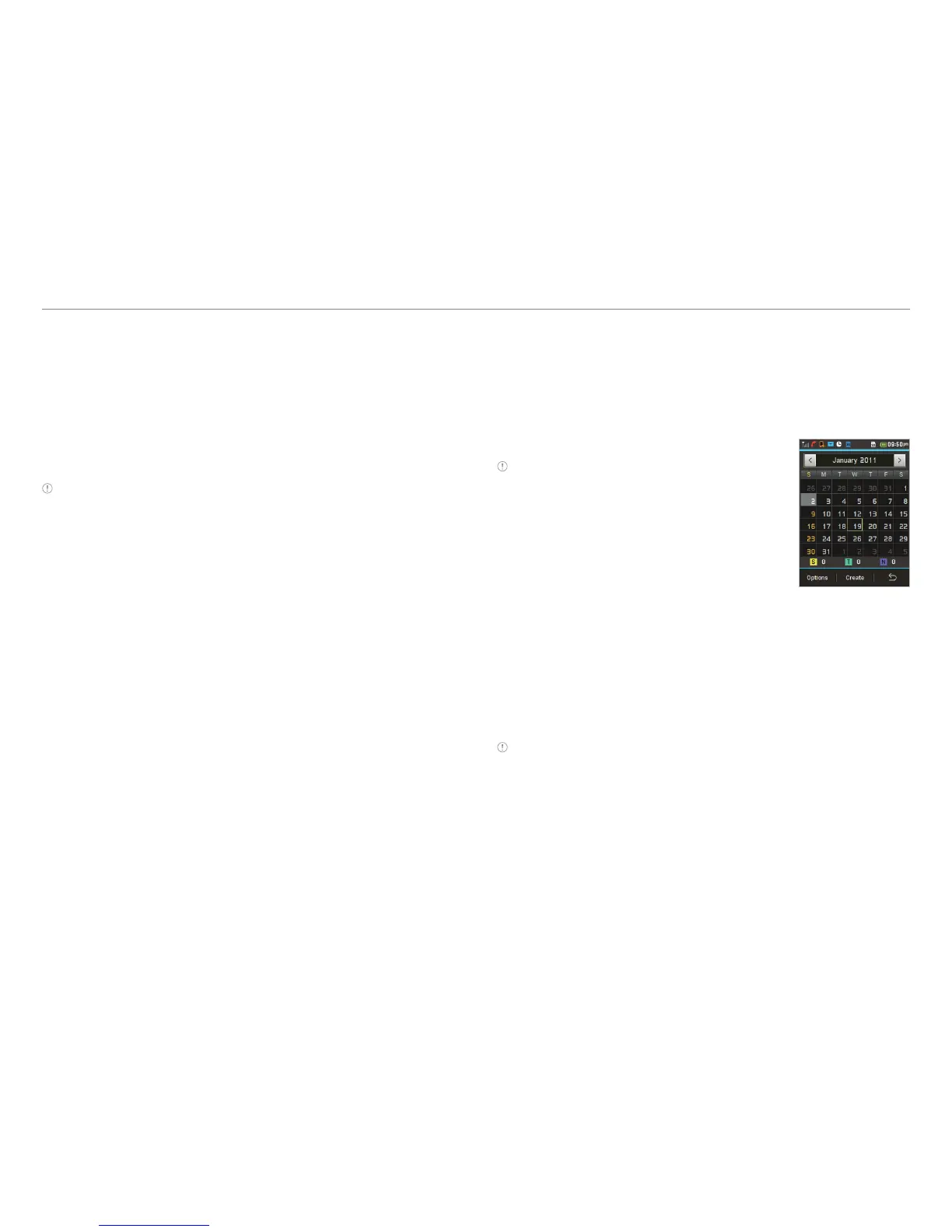
Calendar helps you manage your schedule. You can set a
reminder on any given date with this function.
Viewing the calendar
1. Tap Menu : > Tools > Calendar.
Note Monthly view is displayed by default.
Creating a new event
1. Tap Menu : > Tools >Calendar.
2. Tap to select a day > Create.
3. Select Event, Task, or Note.
4. Input the details > Save.
Note You can create events for dates from 01/01/2000 to 12/31/2070



 To Next Page