22 R eference & Installation Manual
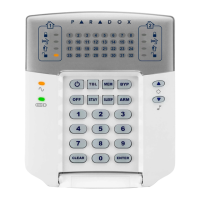
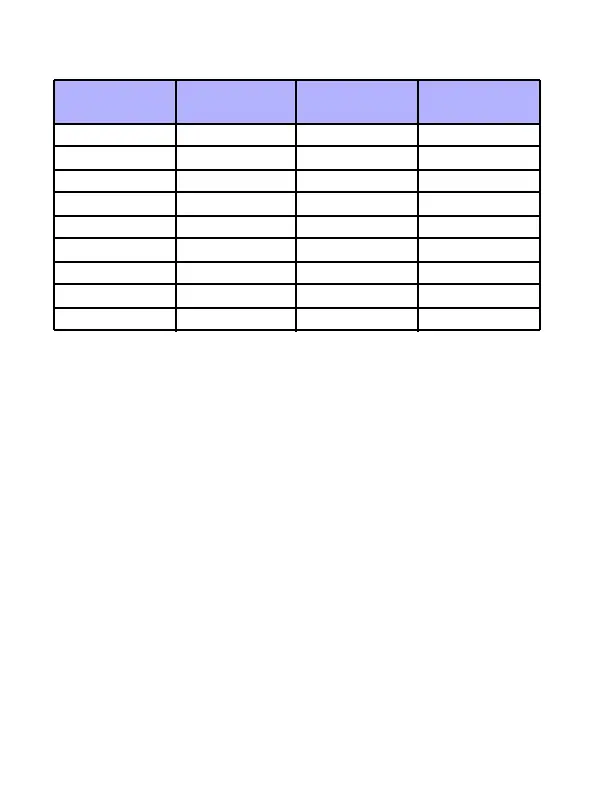
Table 6.1: Message Programming Keys
6.1 Special Function Keys
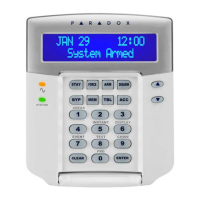
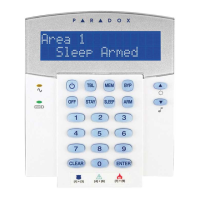
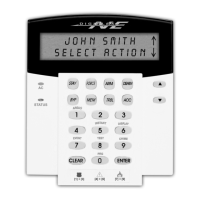
[STAY ] - Insert S p ac e
Pressing the [STAY] key inserts a blank space in the current
cursor position.
[FORCE] - Delete
Pressing the [FORCE] key will delete the character or blank space
found at the current cursor position.
[ARM] - Delete Until the End
Pressing the [ARM] key will delete all characters and spaces to
the right of the cursor and at the cursor's position.
[DISARM] - Numeric Keys / Alphanumeric Keys
Ev ery time the [DISARM] key is pressed it will toggle num eric keys
to alphanumeric keys and vice versa. Numeric: Keys [0 ] to [9]
represent numbers 0 to 9.
Key
Press Key
Once
Press Key
Twice
Press Key
Th ree Times
[1] ABC
[2] DEF
[3] GH I
[4] JKL
[5] MNO
[6] PQR
[7] STU
[8] VWX
[9] YZ


 To Next Page
 Loading...