IF…THEN - BASIC Stamp Command Reference
Page 152 • BASIC Stamp Programming Manual 2.0b • www.parallaxinc.com
counterpart: If one condition or the other (but not both) is true, then the
statement is true.
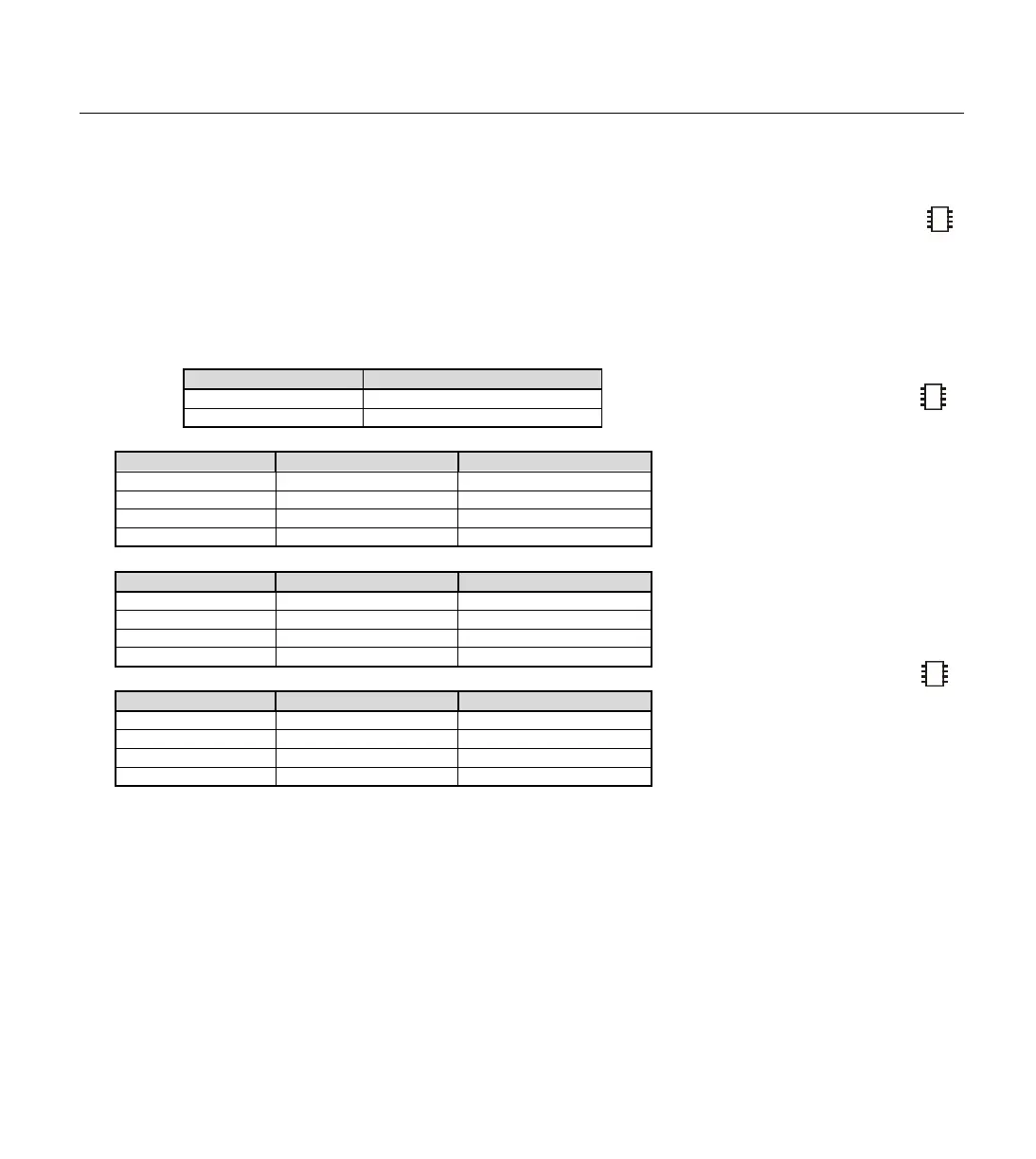
Table 5.24 below summarizes the effects of the conditional logic operators.
As with math, you can alter the order in which comparisons and logical
operations are performed by using parentheses. Operations are normally
evaluated left-to-right. Putting parentheses around an operation forces
PBASIC2 to evaluate it before operations not in parentheses.
Condition A NOT A
False True
True False
Condition A Condition B A AND B
False False False
False True False
True False False
True True True
Condition A Condition B A OR B
False False True
False True True
True False True
True True False
Condition A Condition B A XOR B
False False False
False True True
True False True
True True False
Unlike the IF...THEN commands in other BASIC's, PBASIC’s IF...THEN
can only go to a label as the result of a decision. It cannot conditionally
perform some instruction, as in “IF x < 20 THEN y = y + 1.” To achieve
this in PBASIC, you have to invert the logic using NOT and skip over the
conditional instruction unless the condition is met:
IF NOT x < 20 THEN NoInc ' Don't increment y unless x < 20.
y = y + 1 ' Increment y if x < 20.
NoInc: ' Program continues.
You can also code a conditional GOSUB, as in “IF x = 100 THEN GOSUB
Centennial.” In PBASIC:
NOTE: On the BS1, parentheses
are not allowed within arguments.
Table 5.24: Conditional Logic
Ope
-
IF…THEN CAN ONLY JUMP TO A
LABEL IF THE CONDITION IS TRUE
.
M
AKING A CONDITIONAL GOSUB.
NOTE: The XOR operator is not
available on the BS1.
NOTE: The NOT operator is not
available on the BS1.



 To Next Page