5: BASIC Stamp Command Reference – IOTERM
BASIC Stamp Programming Manual 2.0c • www.parallaxinc.com • Page 157
IOTERM
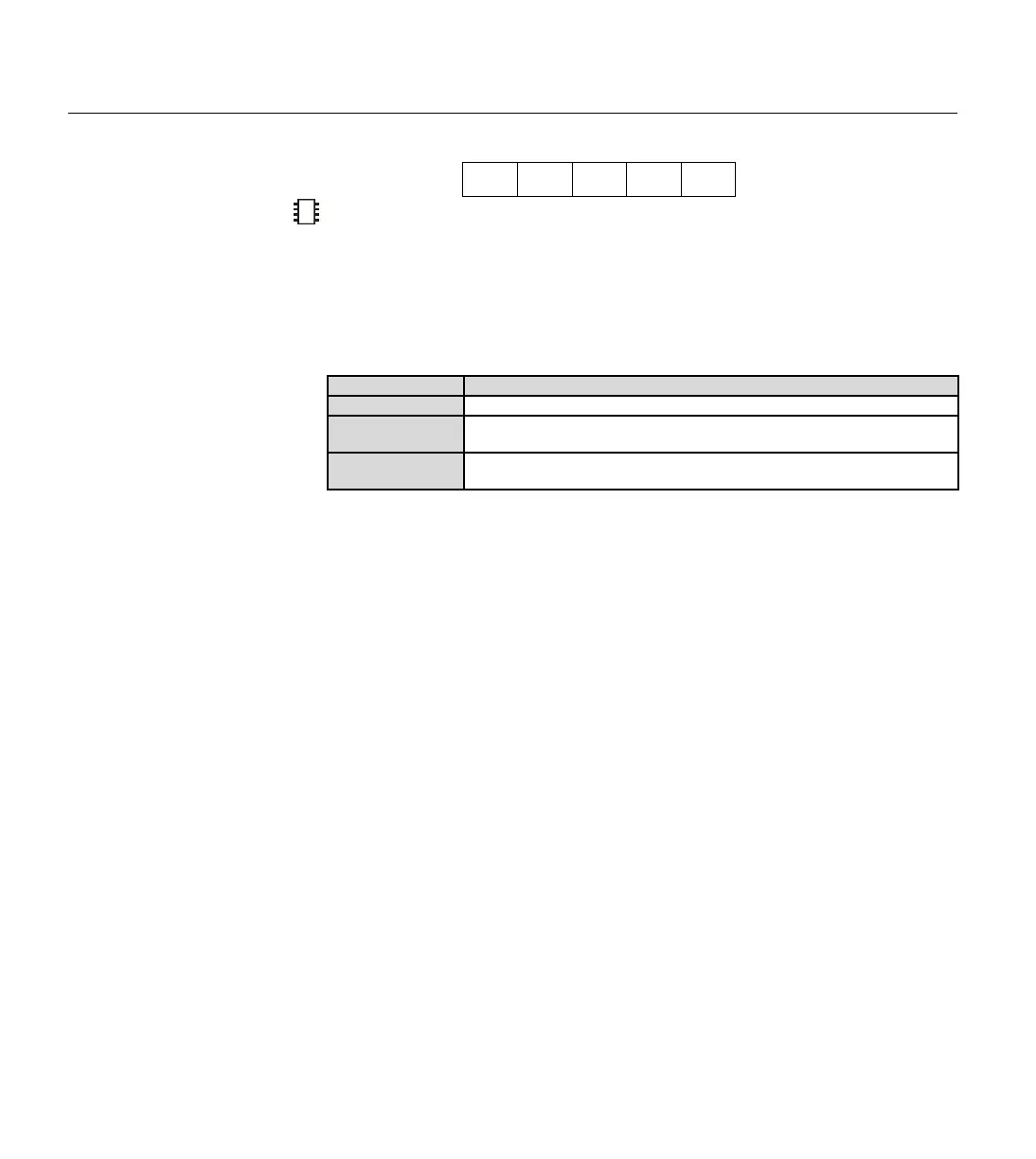
BS1 BS2 BS2e BS2sx BS2p
IOTERM Port
Function
Switch control to main I/O pins or auxiliary I/O pins (on the BS2p40 only)
depending on state of Port.
• Port is a variable/constant/expression (0 – 1) that specifies which
I/O port to use.
Quick Facts
BS2p
Values for Port
0 = switch to main I/O group, 1 = switch to auxiliary I/O group.
I/O pin IDs
0 – 15 (after IOTERM command, all references affect physical pins 5 –
20 or 21 – 36 depending on state of Port).
Special notes
Both the BS2p24 and the BS2p40 accept this command, however,
only the BS2p40 gives access to the auxiliary I/O pins.
Explanation
The BS2p is available in two module styles, 1) a 24-pin module (called the
BS2p24) that is pin compatible with the BS2, BS2e and BS2sx and 2) a 40-
pin module (called the BS2p40) that has an additional 16 I/O pins (for a
total of 32). The BS2p40's I/O pins are organized into two groups, called
main and auxiliary. The I/O pins in each group can be accessed in the
same manner (by referencing I/O pins 0 – 15) but access is only possible
within one group at a time. The IOTERM command causes the BASIC
Stamp to affect either the main or auxiliary I/O pins in all further code
until the MAINIO, AUXIO or another IOTERM command is reached, or
the BASIC Stamp is reset or power-cycled. The value of Port determines
which group of I/O pins will be referenced. Using 0 for Port will switch to
the main I/O group and using 1 for Port will switch to the auxiliary group.
The following example illustrates this:
HIGH 0
IOTERM 1
LOW 0
The first line of the above example will set I/O pin 0 of the main I/O pins
(physical pin 5) high. Afterward, the IOTERM command tells the BASIC
Stamp that all commands following it should affect the auxiliary I/O pins
(Port = 1). The following LOW command will set I/O pin 0 of the
auxiliary I/O pins (physical pin 21) low.
Table 5.25: IOTERM Quick Facts.
2
A SIMPLE IOTERM EXAMPLE.



 To Next Page