5: BASIC Stamp Command Reference – REVERSE
BASIC Stamp Programming Manual 2.0c • www.parallaxinc.com • Page 267
REVERSE
BS1 BS2 BS2e BS2sx BS2p
REVERSE Pin
Function
Reverse the data direction of the specified pin.
• Pin is a variable/constant/expression (0 – 15) that specifies the I/O
pin to use. This pin will be placed into the mode opposite of its
current input/output mode.
Explanation
REVERSE is convenient way to switch the I/O direction of a pin. If the pin
is an input, REVERSE makes it an output; if it’s an output, REVERSE
makes it an input.
Remember that “input” really has two meanings: (1) Setting a pin to input
makes it possible to check the state (1 or 0) of external circuitry connected
to that pin. The current state is in the corresponding bit of the INS register
(PINS on the BS1). (2) Setting a pin to input also disconnects the output
driver, the corresponding bit of OUTS (PINS on the BS1).
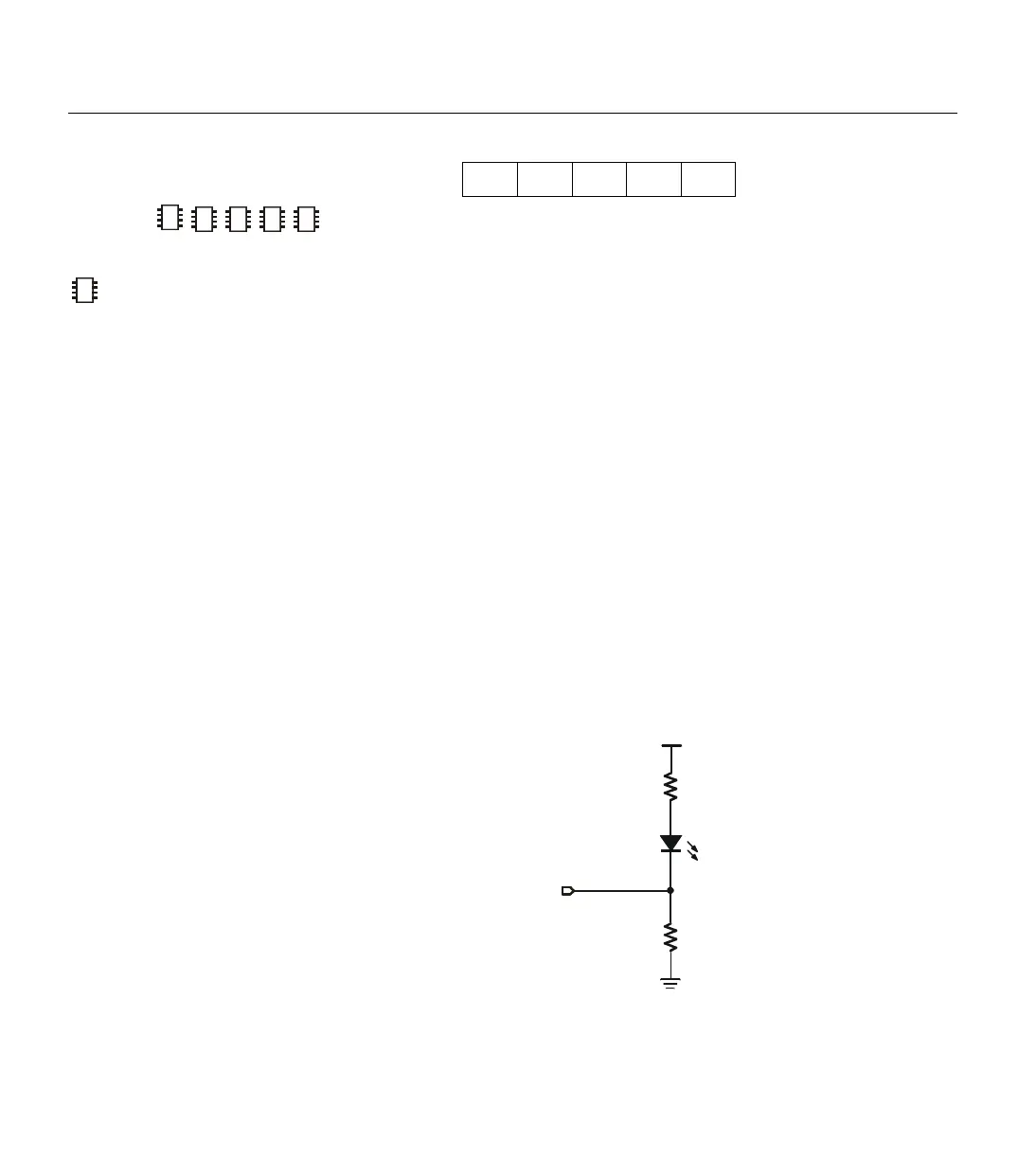
The demo program below illustrates this second fact with a two-tone LED
blinker.
2
2
2
NOTE: Expressions are not
allowed as arguments on the BS1.
The range of the Pin argument on
–
P0
220
Ω
LED
220
Ω
Figure 5.31: LED circuit for Demo
Programs.



 To Next Page