5: BASIC Stamp Command Reference – LOW
BASIC Stamp Programming Manual 2.0c • www.parallaxinc.com • Page 187
LOW
BS1 BS2 BS2e BS2sx BS2p
LOW Pin
Function
Make the specified pin output low.
• Pin is a variable/constant/expression (0 – 15) that specifies which
I/O pin to set low. This pin will be placed into output mode.
Explanation
The LOW command sets the specified pin to 0 (a 0 volt level) and then sets
its mode to output. For example,
LOW 6
does exactly the same thing as:
OUT6 = 0
DIR6 = 1
Using the LOW command is faster, in this case.
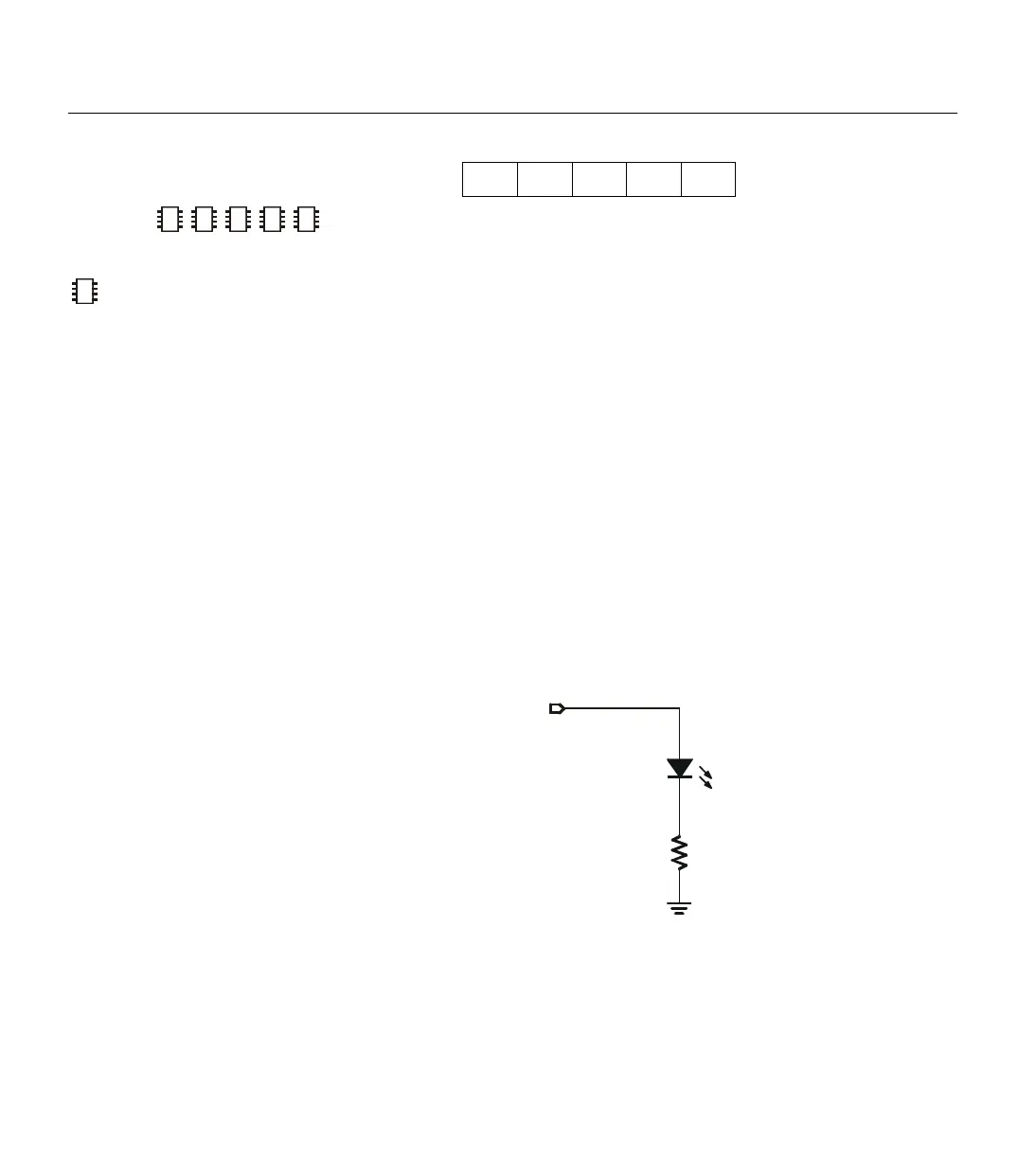
Connect an LED and a resister as shown in Figure 5.15 for the demo
program below.
2
2
2
Figure 5.15: Example LED Circuit.
NOTE: Expressions are not
allowed as arguments on the BS1.
The range of the Pin argument on
–
470
Ω
LED



 To Next Page