5: BASIC Stamp Command Reference – LCDCMD
BASIC Stamp Programming Manual 2.0c • www.parallaxinc.com • Page 163
Command Code (in binary) Description
7
6 5 4 3 2 1 0
Clear Display
0 0 0 0 0 0 0 1
Clear entire display and move
cursor home (address 0).
Home Display
0 0 0 0 0 0 1 0
Move cursor home and return
display to home position.
Entry Mode
0 0 0 0 0 1 M S
Sets cursor direction (M: 0=left,
1=right) and display scrolling (S:
0=no scroll, 1=scroll)
Display/Cursor
0 0 0 0 1 D U B
Sets display on/off (D), underline
cursor (U) and blinking block
cursor (B). (0=off, 1=on)
Scroll Display /
Shift Cursor
0 0 0 1 C M 0 0
Shifts display or cursor (C:
0=cursor, 1=display) left or right
(M: 0=left, 1=right).
Function Set
0 0 1 B L F 0 0
Sets buss size (B: 0=4-bits,
1=8-bits), number of lines (L:
0=1-line, 1=2-
(F: 0=5x8, 1=5x10)
Move To CRAM
Address
0 1 A A A A A A
Move pointer to character RAM
location specified by address (A)
Move To DRAM
Address
1 A A A A A A A
Move cursor to display RAM
location specified by address (A)
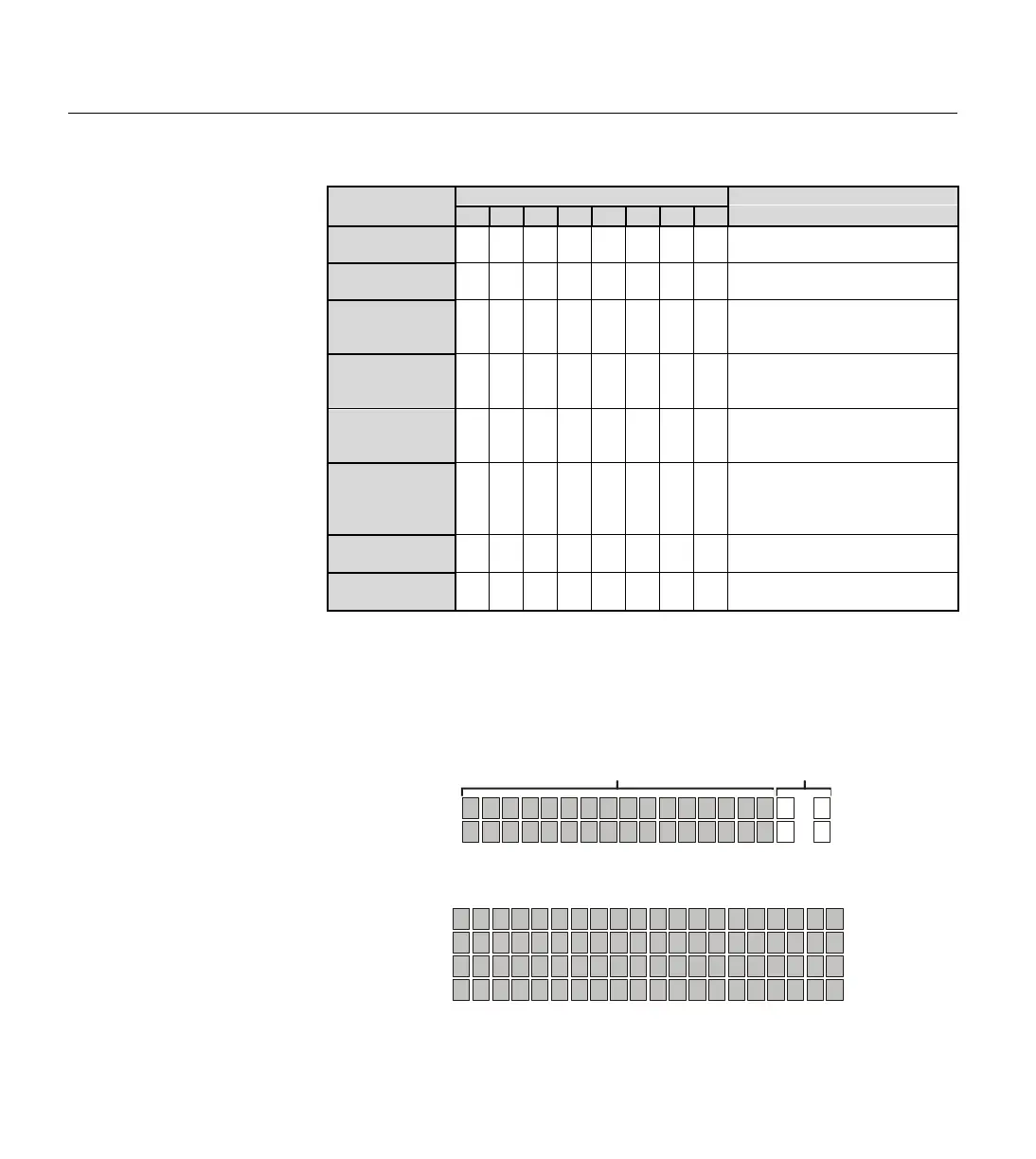
On a standard 2 x 16 character display, the following command would
move the cursor to the third column of the second line:
LCDCMD 1, 128 + 66
Table 5.28:
advanced users). These are
supported by LCDs with the Hitachi
44780 controller.
0 1 2 3 4 5 6 7 8 9 10 11 12 13 14 15
64 65 66 67 68 69 70 71 72 73 74 75 76 77 78 79
16
80
39
103
…
…
Line 1:
Line 2:
On-screen positions* Off-screen positions*
0 1 2 3 4 5 6 7 8 9 10 11 12 13 14 15
64 65 66 67 68 69 70 71 72 73 74 75 76 77 78 79
Line 1:
Line 2:
4 x 20 Display
Line 3:
Line 4:
20 21 22 23 24 25 26 27 28 29 30 31 32 33 34 35
84 85 86 87 88 89 90 91 92 93 94 95 96 97 98 99
16 17 18 19
80 81 83
36 37 38 39
100101102103
*Assuming the display is in the home position.
82
Figure 5.13: LCD Character
Positions. NOTE: Many 1 x 16
displays conform to the position
numbers shown on Line 1 of the
2 x 16 display.



 To Next Page