OWOUT - BASIC Stamp Command Reference
Page 206 • BASIC Stamp Programming Manual 2.0b • www.parallaxinc.com
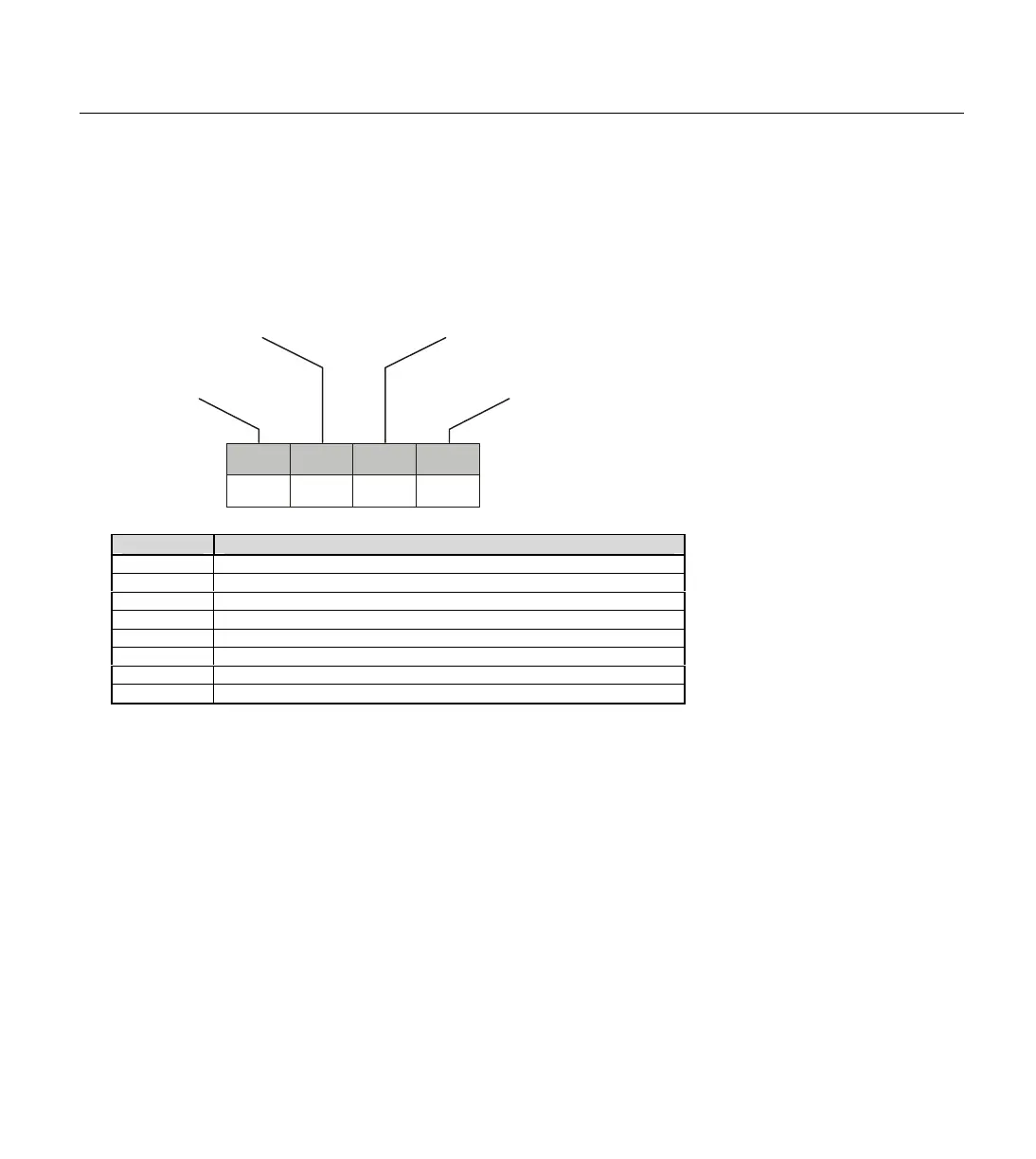
The Mode argument is used to control placement of reset pulses (and
detection of presence pulses) and to designate byte vs. bit input and
normal vs. high speed. Figure 5.21 shows the meaning of each of the 4
bits of Mode. Table 5.49 shows just some of the 16 possible values and
their effect.
The proper value for Mode depends on the 1-wire device and the portion
of the communication you're working on. Please consult the data sheet for
the device in question to determine the correct value for Mode. In many
cases, however, when using the OWOUT command, Mode should be set
for a Front-End Reset (to initialize the transaction). This may vary due to
device and application requirements, however.
When using the Bit (rather than Byte) mode of data transfer, all variables
in the OutputData argument will only transmit one bit. For example, the
following code could be used to send two bits using this mode:
Mode Effect
0
No Reset, Byte mode, Low speed
1
Reset before data, Byte mode, Low speed
2
r data, Byte mode, Low speed
3
Reset before and after data, Byte mode, Low speed
4
No Reset, Bit mode, Low speed
5
Reset before data, Bit mode, Low speed
8
No Reset, Byte mode, High speed
Reset before data, Byte mode, High speed
Low/Hi Byte/Bit
BERes
0
FERes
123
Front-End Reset
0=no reset
1=generate reset before data
0=no reset
1=generate reset after data
Low/High Speed
0=low
1=high
0=byte
1=bit
Table 5.49: OWOUT Common
Figure 5.21: Mode Format.



 To Next Page