POLLIN - BASIC Stamp Command Reference
Page 218 • BASIC Stamp Programming Manual 2.0b • www.parallaxinc.com
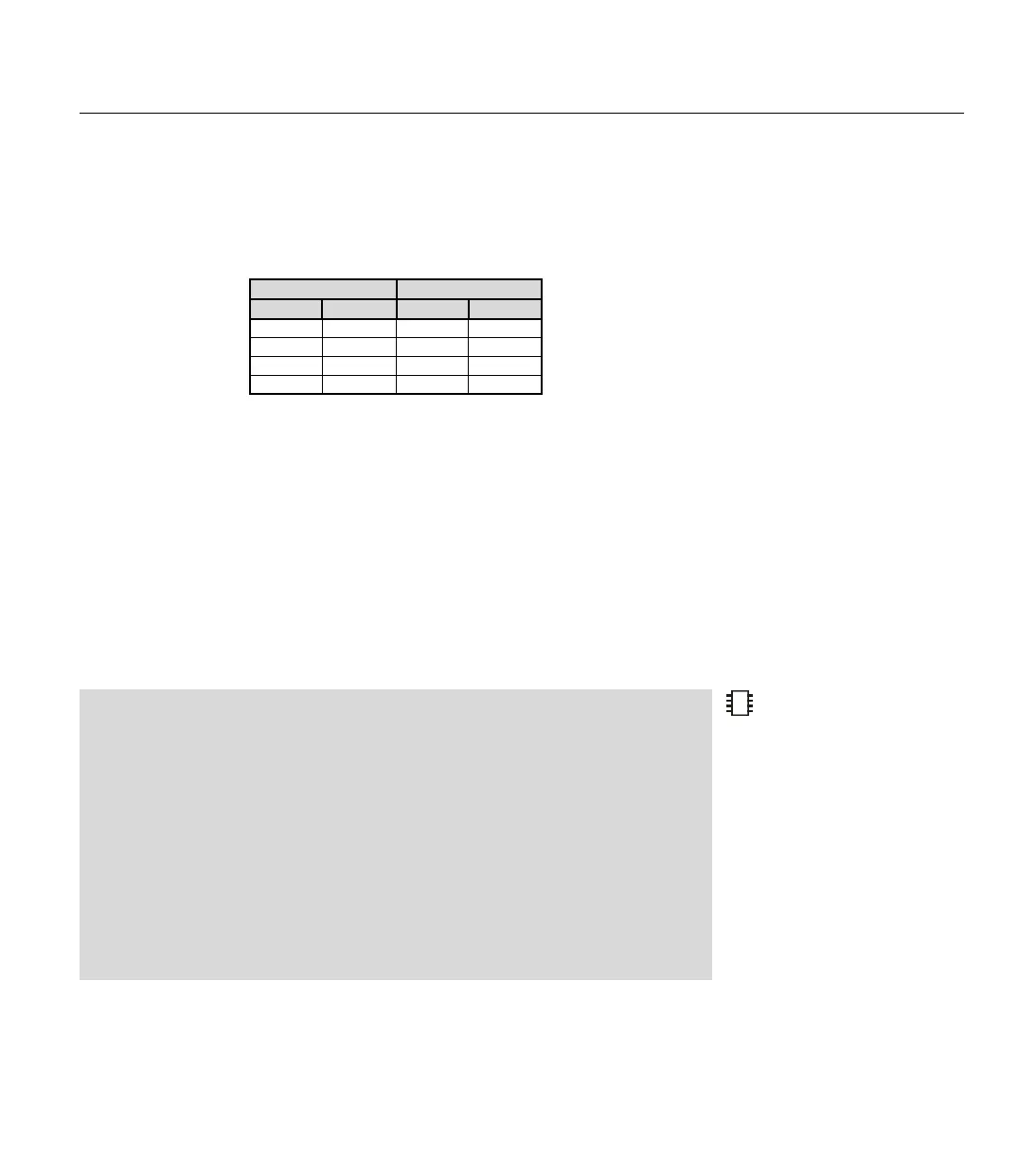
pins 2 and 3 low. This works similar to a logical OR operation. The truth
table below shows all the possible states of these two polled-input pins
and the corresponding states the BASIC Stamp will set the polled-output
pins to.
Normally, any polled-output pins reflect the state changes continuously,
as described above. The POLLMODE command supports another feature,
however, where the polled-output pins will latch the active state; they will
change only once (when the poll state is reached) and stay in the new state
until the PBASIC program tells it to change again. See the POLLMODE
description for more information.
Other possible actions in response to polled-input states are: 1) Running
another program (in a specified program slot), 2) Waiting (pausing
program execution with or without low-power mode) until the poll state is
reached, or 3) Any combination of the above-mentioned actions.
Demo Program (POLINOUT.bsp)
' This program demonstrates the POLLIN, POLLOUT and POLLMODE commands. It
' will watch for a high signal on I/O pin 0 and then will output the opposite signal on I/O pin 1
' all while printing a message on the PC screen.
'{$STAMP BS2p} 'STAMP directive (specifies a BS2p)
Init:
POLLIN 0, 1 'Set I/O pin 0 to polled-input looking for a high
POLLOUT 1, 0 'Set I/O pin 1 to polled-output; opposite level a 0
POLLMODE 2 'Set mode to enable polled-outputs
Main:
DEBUG "Working...", BIN1 OUT2, CR 'Waste time writing to PC screen
PAUSE 100
GOTO Main
Polled-Inputs Polled-Outputs
0 1 2 3
0 0 1 1
0 1 0 0
1 0 0 0
POLLED-OUTPUTS CAN BE
LATCHED"
ALSO.
Table 5.54: Polled-Inputs /
Polled-Outputs Truth Table.
2



 To Next Page