POLLMODE - BASIC Stamp Command Reference
Page 220 • BASIC Stamp Programming Manual 2.0b • www.parallaxinc.com
1
After the polled-run action occurs, the mode switches to 1 (deactivated, saved)
2
After the polled-run action occurs, the mode switches to 2 (activated, outputs)
3
These modes do not override the previous mode. Also, the output state of
polled-outputs does not change as a result of these modes.
The polled-run modes, 3 and 4, are unique. As soon as the polled-run
action occurs, the mode switches to 1 (deactivated, saved) or 2 (activated,
outputs), respectively. This is so that the BASIC Stamp doesn't
continuously go to the start of the designated program slot while the
polled-inputs are in the desired poll state. Without this "one shot" feature,
your program would appear to lock-up as long as the polled-inputs are in
the designated state.
The clear configuration modes, 5, 6 and 7, are also unique. These modes
do not override the previous mode. For example, if polled-inputs,
polled-outputs and a polled-run configuration was set and the mode was
set to 4 (activated, outputs and run) and later the program issued a
POLLMODE 6 command, the polled-output configuration would be
cleared but the mode would switch back to 4… still allowing the run
action. This also means if, later still, the program issues a POLLOUT
command, this polled-output would take effect immediately (since the
mode is still 4). Also note that these modes do not change the output state
of previously defined polled-output pins.
The POLLMODE command determines what action, if any, will occur in
response to a polled-input event. This command works in conjunction
with the POLLIN, POLLOUT and POLLRUN commands. The following is
an example of the POLLMODE command:
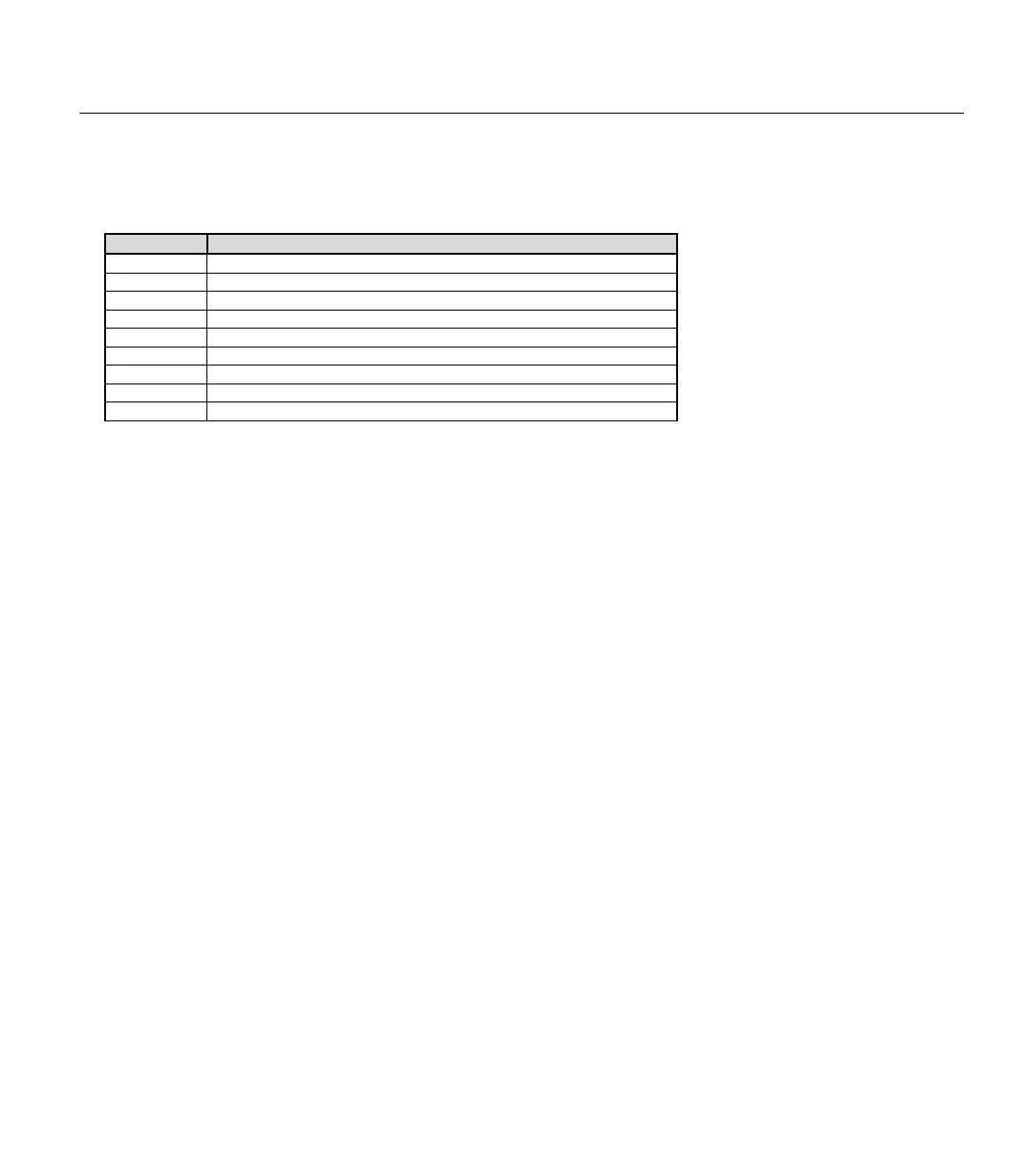
Mode Effect
0
Deactivate polling, clear polled
-input and output configuration.
1
Deactivate polling, save polled
-input and output configuration.
2
Activate polling with polled
-output action (and polled-wait) only.
3
1
Activate polling with polled
-run action only.
4
2
Activate polling with polled
-output/polled-wait and polled-run actions.
5
3
-input configuration.
6
3
-output configuration.
7
3
-input and output configuration.
Same at 0 – 7 except polled-output states are latched.
A SIMPLE POLLMODE EXAMPLE.
Table 5.56: POLLMODE Mode
Values.



 To Next Page