Using the BASIC Stamp Editor
Page 44 • BASIC Stamp Programming Manual 2.0b • www.parallaxinc.com
memory you have used and how much remains. (You may also press the
space bar to cycle through similar maps of EEPROM program memory.)
Two important points to remember about this map are, 1) it only indicates
how your program will be downloaded to the BASIC Stamp; it does not
"read" the BASIC Stamp's memory, and 2) fixed variables like B3 and W1
and any aliases do not show up on the memory map as memory used. The
editor ignores fixed variables when it arranges automatically allocated
variables in memory. Remember, fixed and allocated variables can
overlap.
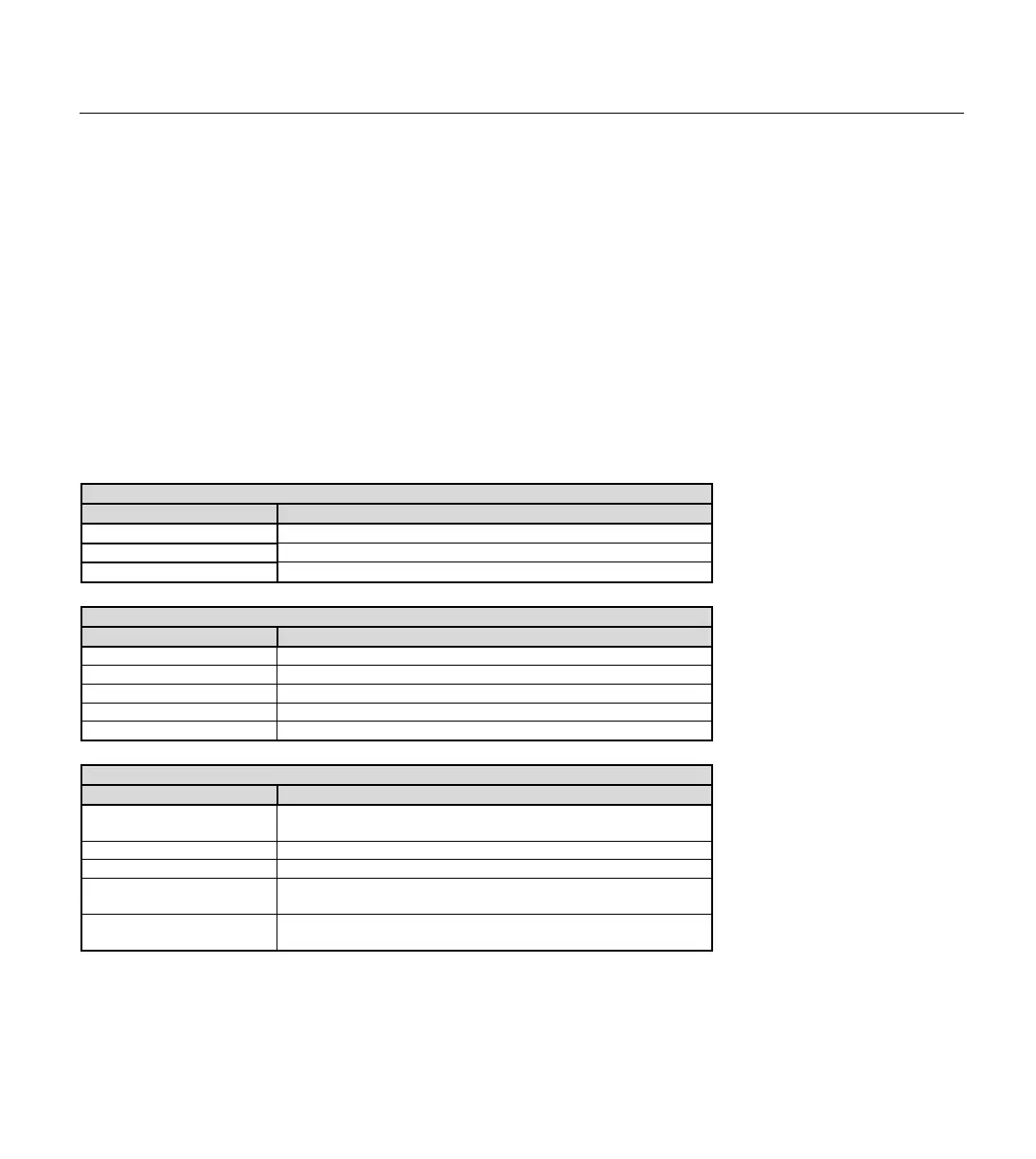
The following tables list the available keyboard shortcuts within the
BASIC Stamp Windows Editor.
File Functions
Shortcut Key Function
Alt+L Open a source code file into the Editor window.
Alt+S Save current source code file to disk.
Alt+Q Close the editor.
Editing Functions
Shortcut Key Function
Alt+X Cut selected text to the clipboard.
Alt+C Copy selected text to the clipboard.
Alt+V Paste text from clipboard to selected area.
Alt+F Find or Replace text.
Alt+N Find text again.
Coding Functions
Shortcut Key(s) Function
Alt+0..7
Set Program Slot # to download to. (not supported on the BS1
or BS 2)
Alt+I Identify BASIC Stamp firmware. (not supported on the BS1)
Alt+M Open Memory Map window. (not supported on the BS1)
Alt+R
Tokenize code, download to the BASIC Stamp and open
Debug window if necessary.
Alt+P
Open the potentiometer calibration window. (only supported
on the BS1)
Table 3.6: Shortcut Keys for File
Table 3.8: Shortcut Keys for Coding
Table 3.7: Shortcut Keys for Editing



 To Next Page