InspectRx200 Operator Guide | 1 - InspectRx200 Operator Guide | 28
This report details activity per a specified batch of checked, corrected, and correction checked.
The report contains information about:
• Batch ID
• Total and Corrected Bags
• Checked/Corrected / Correction check by Name
• Time Association of modification
Use/Benefit:
• Accountability History
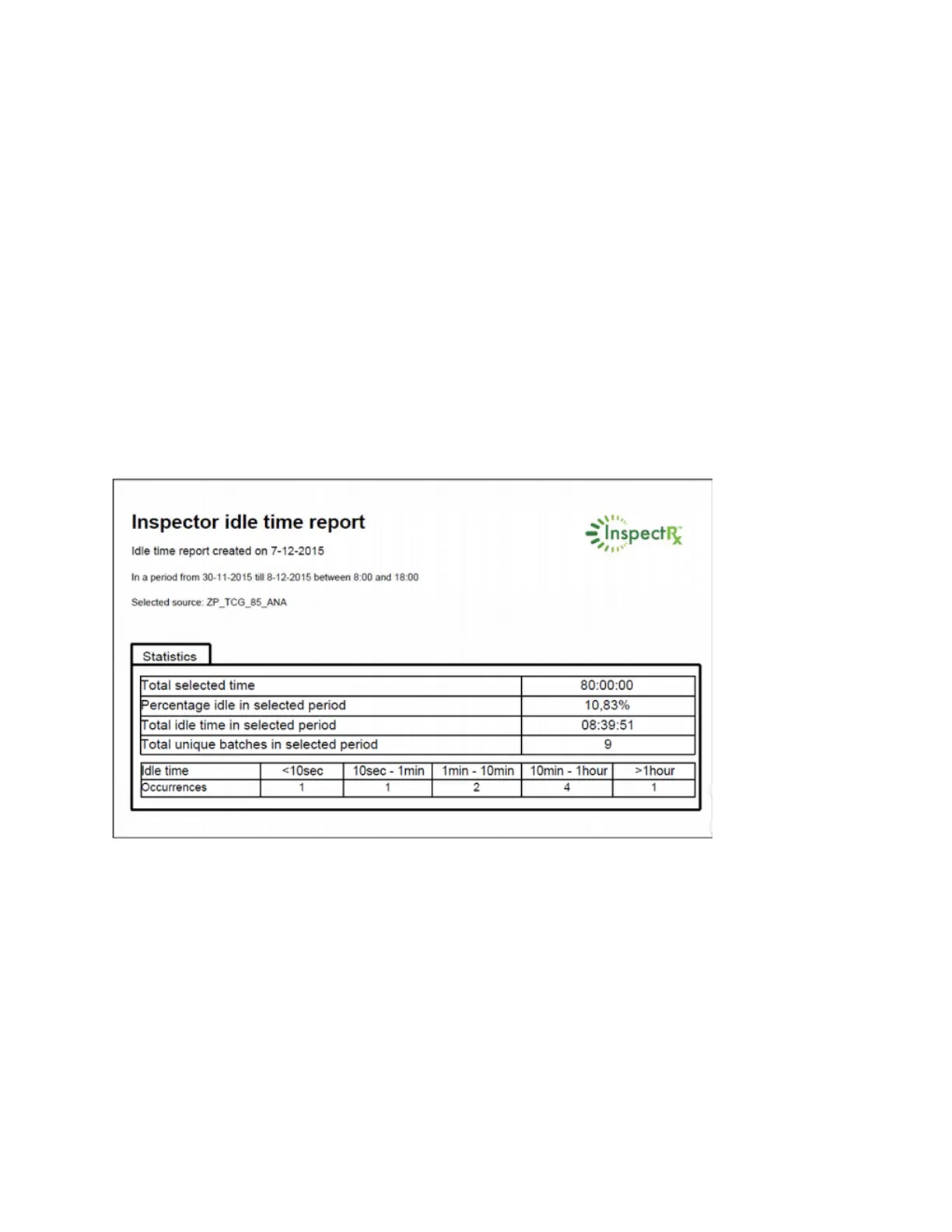
Inspector Idle Time Report
Features:
• Period report
• Summary Report
Overview:
This Inspector Idle Time report displays an overview of the periods of time where the Inspect Rx was
or was not in use.
Use/Benefit:



 To Next Page