InspectRx200 Operator Guide | 1 - InspectRx200 Operator Guide | 29
Productivity Tracking Inspector Idle Time Report F
Shutting Down the InspectRx
It is best practices to leave the “ANA” analyzer PC on after production hours. Regular back-ups take
place after hours, requiring the Analyzer to be left on.
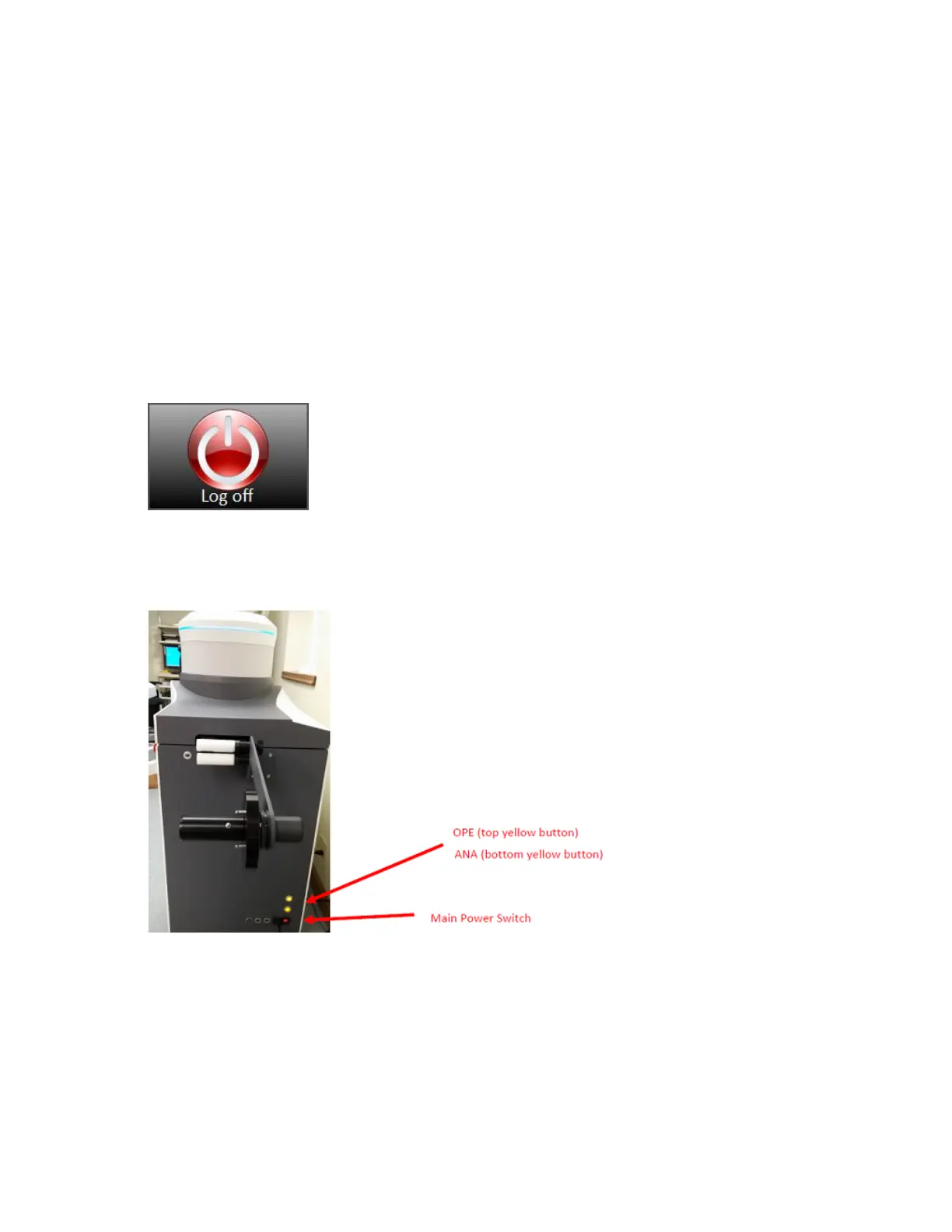
To shut down the InspectRx:
1.
Select the Log Off button on the Operator Touch Screen.
2. Shut Down the Operator PC by pressing the OPE button.
3. DO NOT turn off the Main Power Switch.
4.
DO NOT turn off the Analyzer “ANA.”
Troubleshooting
Table 2.



 To Next Page