InspectRx200 Operator Guide | 1 - InspectRx200 Operator Guide | 16
Reports
Reports are located on the Analyzer Computer within the Operator Unit. Users can access this at the
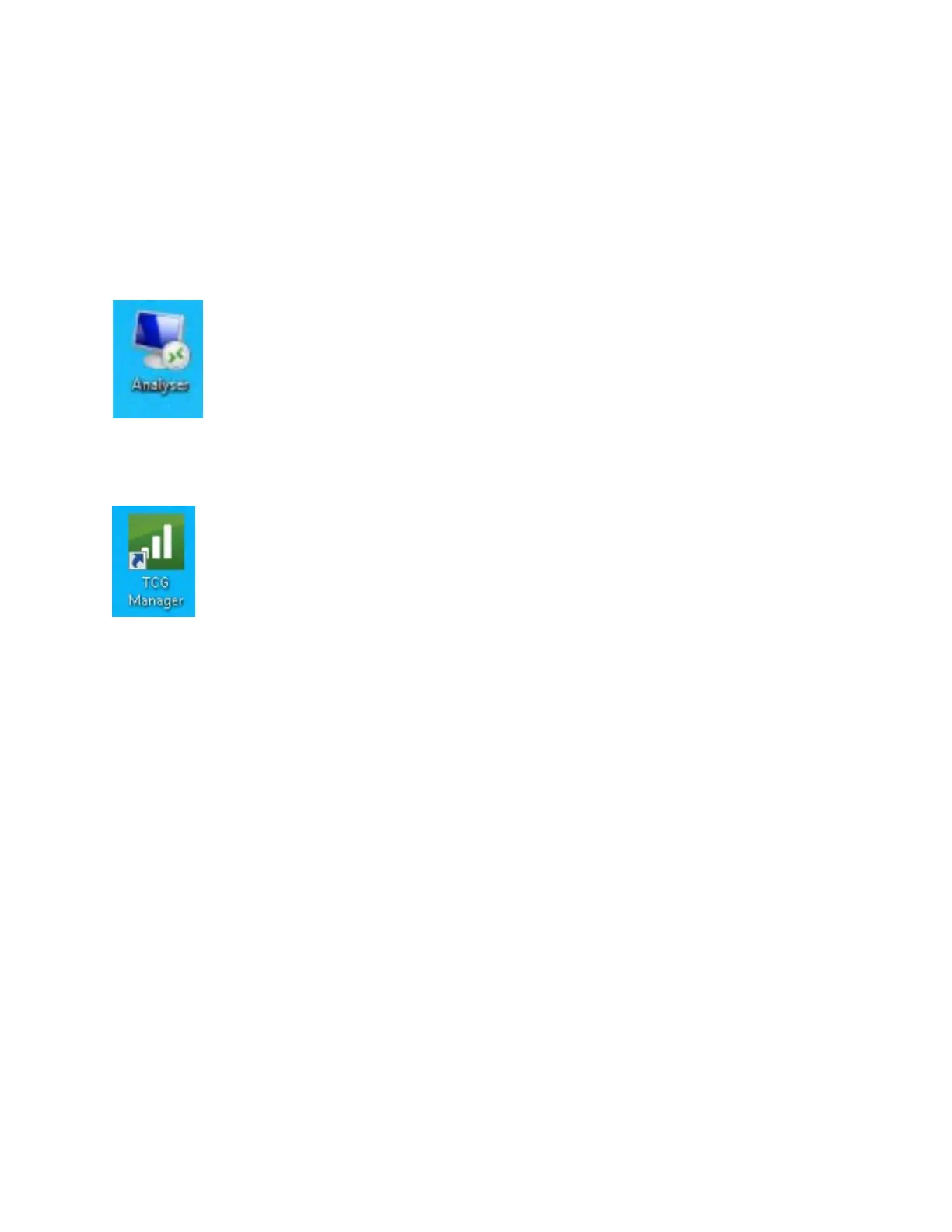
Viewer Station using remote access. There is an icon on the desktop that when selected will remote
into the selected computer.
By Selecting the Manager icon, the software will open and a user will have access to the available
reports.



 To Next Page