InspectRx200 Operator Guide | 1 - InspectRx200 Operator Guide | 15
Your reference batch should include both your canister and tray medications. Additional medications
can be added using production batch images and the Reference Manager feature, or can be
individually scanned in “on the fly”, as detailed above.
Note: Each medication needs to be placed in an individual bag. This means each bag can contain
one single piece of medication.
To scan a reference batch:
1.
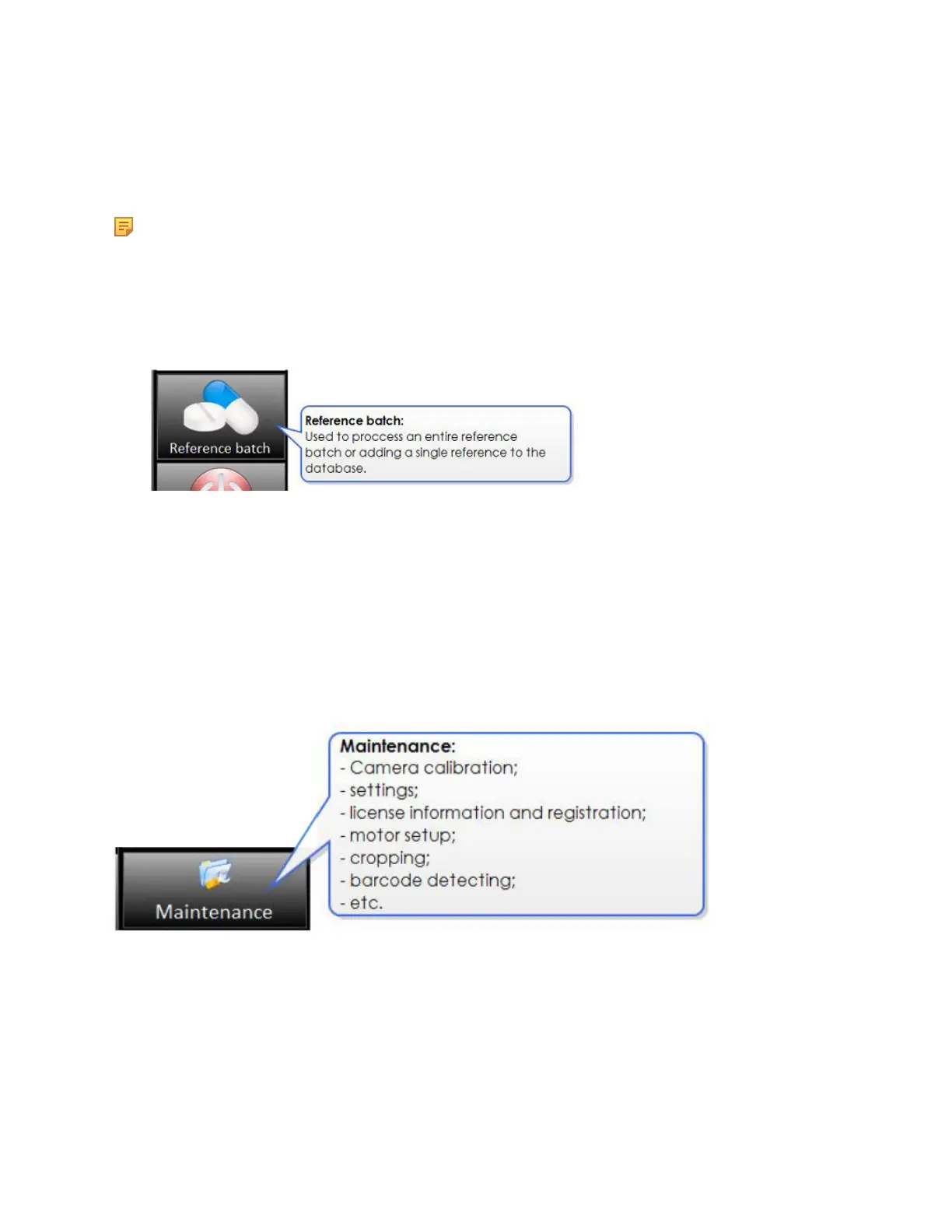
Select Reference Batch/ Reference Batch on the Operator Screen.
2. Feed the batch through the machine with the printed side down, the serrated side facing front,
and the barcode entering first.
3. The InspectRx will take images of the entire batch, and will save the images as a reference batch
within the Manager Application.
4. Go to Manager (ADMIN) to activate the reference image and choose a Mugshot (best image to
display on Viewer screen.
5. See the Manager (ADMIN) course for more information about the steps in this process.
Maintenance Menu
The Maintenance Menu is used for installation and configuration purposes. Please contact the Parata
Technical Assistance Center for help with Camera Calibration, Settings, Motor Setup, Cropping,
Barcode Detecting, and Troubleshooting.



 To Next Page