InspectRx200 Operator Guide | 1 - InspectRx200 Operator Guide | 8
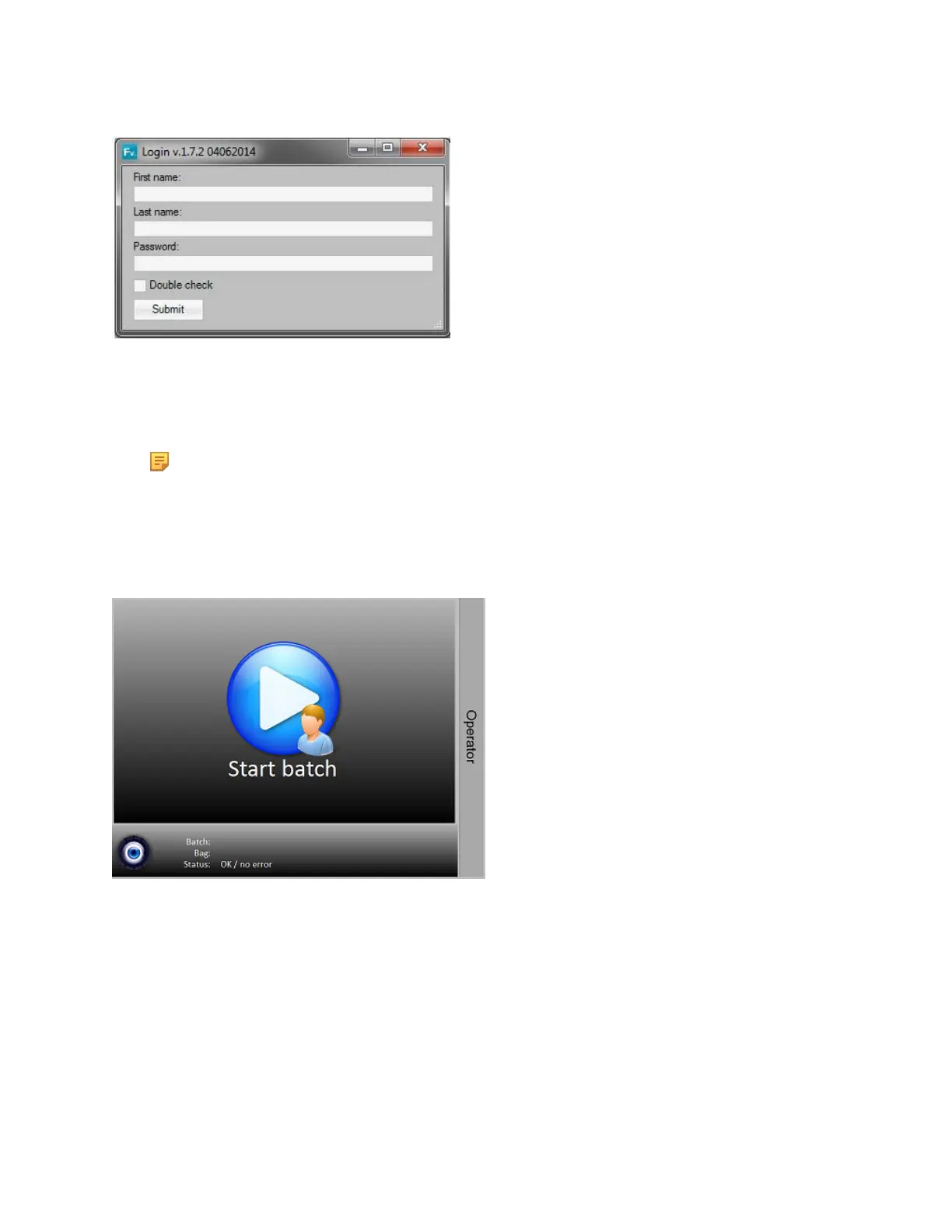
1. Enter your First Name and Last Name.
2. Enter your Password.
3.
Select the Submit button.
Note: The Operator will log itself out after 15 minutes of inactivity. This default timeframe
can be changed under the menu “Settings”, by an Administrator with Level three Permissions. It
cannot be completely turned off.
Once logged in, the main interface screen will appear.
At the right, you will see an expandable sidebar containing information about the Operator (version
number, currently logged in user, release date, and customer), Reference batch menu, Log off button,
Camera view menu and the Maintenance menu. Each of these menus will be explained further into
this chapter.



 To Next Page