16
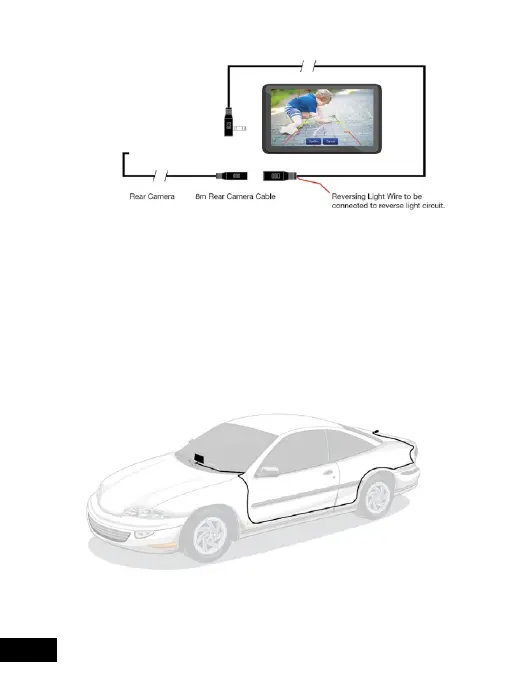
6.1 REAR CAMERA WIRING
To enable the Smart Monitor to display the Rear
Camera view when the vehicle is engaged in
reverse gear, the red Reversing Light Wire must be
connected to the reverse light circuit. Otherwise,
the Rear Camera will not work in conjunction with
reverse gear.
6.2 REAR CAMERA CONNECTION
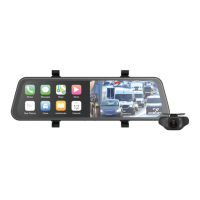
Connect the Rear Camera cable from the Smart
Monitor to the Rear Camera as shown above.
Figure: 4
Figure: 5


 To Next Page