38
14.0 PARKING MONITOR
This function is designed to monitor and record
any incident that may occur when your car is
parked. The ClearView 7 must be hardwired to
your vehicle's electrical circuit for the function to
be used.
Recording in Parking Monitor* mode can be done
in time lapse mode to save memory space on the
Micro SD Card.
* Requires the installation of a 3-wire hardwire kit.
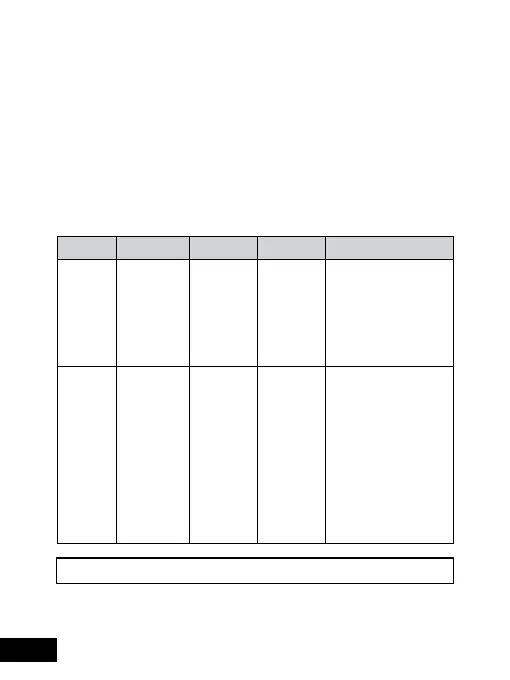
NAME FUNCTION OPTIONS DEFAULT NOTE
Time
lapse
To turn
on/off
time lapse
mode
On/Off Off When time lapse
mode is turned on
and the car detects
the engine is off,
the recording will be
done in time lapse
mode.
Time
lapse
duration
To change
the
duration of
time lapse
mode
2 hours/
8 hours /
12 hours /
24 hours/
Always on
Always on To select the duration
of time lapse
mode when your
car is parked. The
ClearView 7 will stop
recording after the
time lapse duration
expires. If set to
Always on, time lapse
mode will continue
until your car is re-
started.


 To Next Page