17
6.3 REAR CAMERA FEATURES
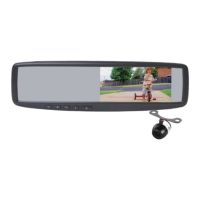
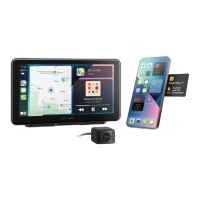
After successfully installing and connecting the
rear camera to the main front unit, the rear camera
images will be displayed on the ClearView 7
display screen.
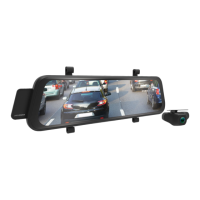
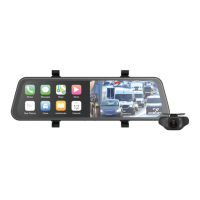
Both front and rear camera images will now be
displayed on the ClearView 7 display screen
and the two cameras will begin recording
simultaneously and automatically when the Smart
Monitor is powered on via your vehicle ignition.


 To Next Page