22
8. Display button: Touch to turn off the screen,
and touch anywhere on the screen again to
wake up the screen.
9. Video Recording Indicator
10. Micro SD Card Indicator
11. Wi-Fi Connection Indicator
12. Bluetooth Connection Indicator
13. Home Button: Touch to return to Home Screen.
9.1 DASH CAMERA
After the Micro SD card is
successfully inserted and
formatted, the system will start
recording.
The dot will turn red indicating
that the device is in recording
mode.
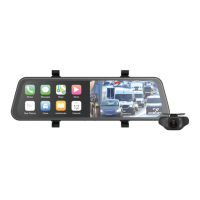
Touch the Dash Camera
button to enter into the camera
interface as shown in the
image below.
Tuesday
12 June 2023.
12:30pm
PM-72W
Android AutoApple Carplay
Screen Off
Audio Output


 To Next Page