19
NOTE:
• The ClearView 7 is designed to be powered only by
the supplied DC power plug. Its internal battery is
NOT designed for primary use.
8.0 MICRO SD CARD
8.1 FORMATTING INSERTED MICRO SD CARD
It is highly recommended to format the Micro SD
card before use.
8.2 MICRO SD CARD SPECIFICATIONS
The quality of Micro SD card you use has a great
impact on the stability of video recording.
It is recommended to use Micro SD cards from
these brands for best results: ScanDisk, Kingston,
Toshiba and Samsung.
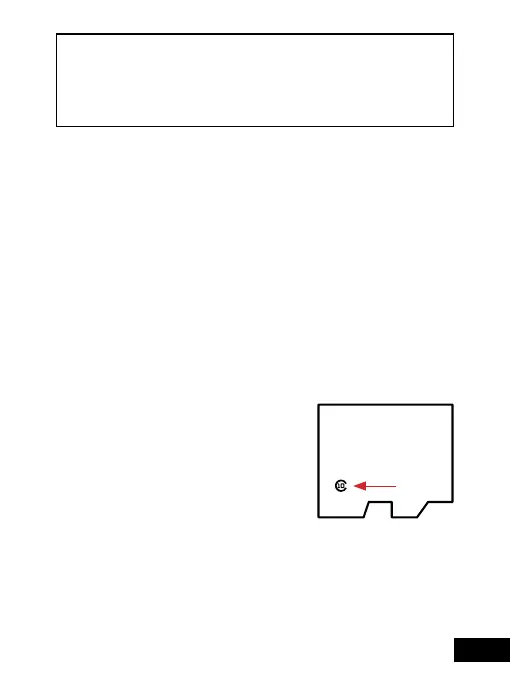
Speed certification must
be at least Class 10 with a
minimum capacity of 32GB
and maximum 256GB.
Formatting the Micro SD card
will delete all previously saved
information on the inserted card and prepare the
card for use with the Smart Monitor.


 To Next Page