21
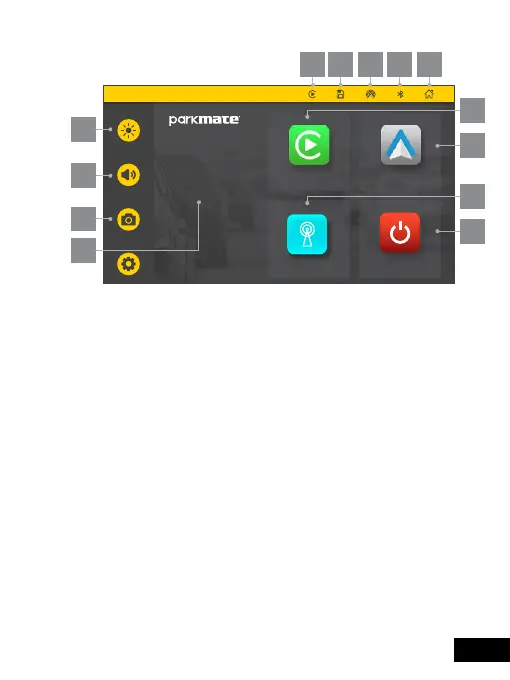
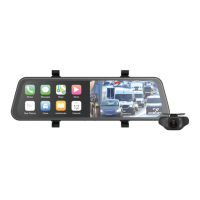
9.0 HOME SCREEN
1. Brightness button: Touch to adjust screen
brightness.
2. Volume button: Touch to adjust the volume.
3. Dash Camera: Touch to enter into the video
recording interface.
4. Date and time: Displays the current date
and time.
5. Apple CarPlay: Touch to enter the instructions
to connect with iPhone.
6. Android Auto: Touch to enter the instructions
to connect with Android phones.
7. Audio Output: Touch to change audio settings.
Tuesday
12 June 2023.
12:30pm
PM-72W
Android AutoApple Carplay
Screen Off
Audio Output
1
2
3
4
6
5
8
9 10 11 12 13
7


 To Next Page