12
© 2014 - 2024 Parktron Technology Ltd.
Step 4: Pay with banknote(s) and/or coin(s). Amount paid will be displayed on the screen
instantly.
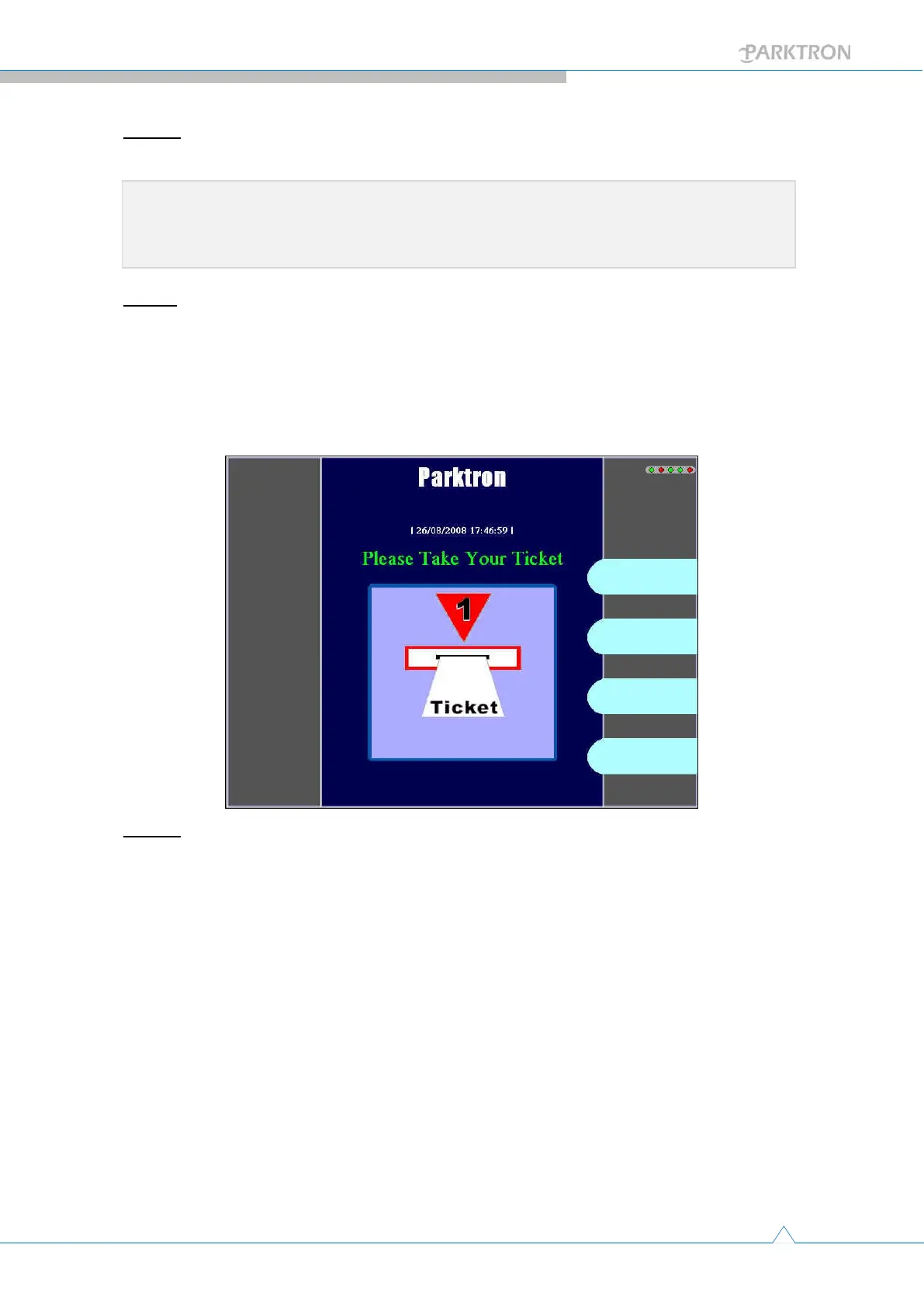
Step 5: After amount paid is equal or over the fee due, system will write a payment
confirmed data into the ticket (card), and return it back to user (screen displays “Please
take your ticket”). When over-paid, the change will be dispensed to the receipt and
change outlet (item e. in Figure 1) with a payment receipt. When out of change or
insufficient, a change chit will be printed and provided to user to claim back the owed
money from parking staff.
Step 6: Payment operation completed, user take the ticket (card) back for exit validation.
Note:Press [Cancel] can bail out the payment operation and get the ticket and all
paid money returned.



 To Next Page