18
© 2014 - 2024 Parktron Technology Ltd.
3.4.1. Reprint revenue settlement report:
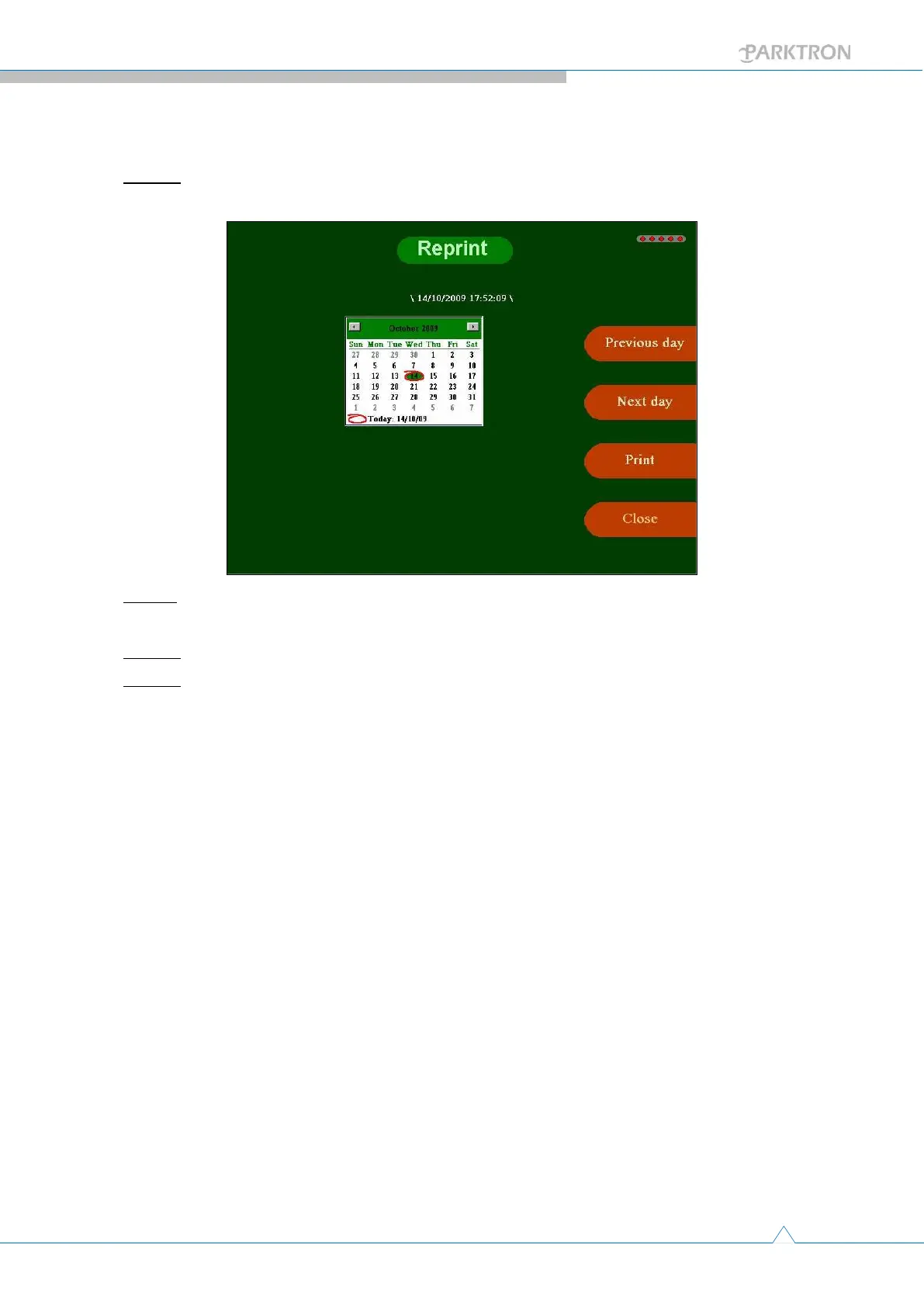
Step 1: Push the [Reprint Settlement] button in Maintenance page (1) to enter the reprint
page as below.
Step 2: Select the date for settlement report reprint by using [Previous day] and [Next
day] buttons to move the highlighted date in the calendar.
Step 3: Push [Print] button for the thermal printer to print out 2 copies of the report.
Step 4: Push [Close] button to leave the reprint page and back to maintenance page (1).



 To Next Page