13
© 2014 - 2024 Parktron Technology Ltd.
3.2. Season card operation:
Step 1: Insert season card to the ticket (card) reader (Item d in Figure 1). The system will
read the card data and the display shows “Processing ticket Please wait…”.
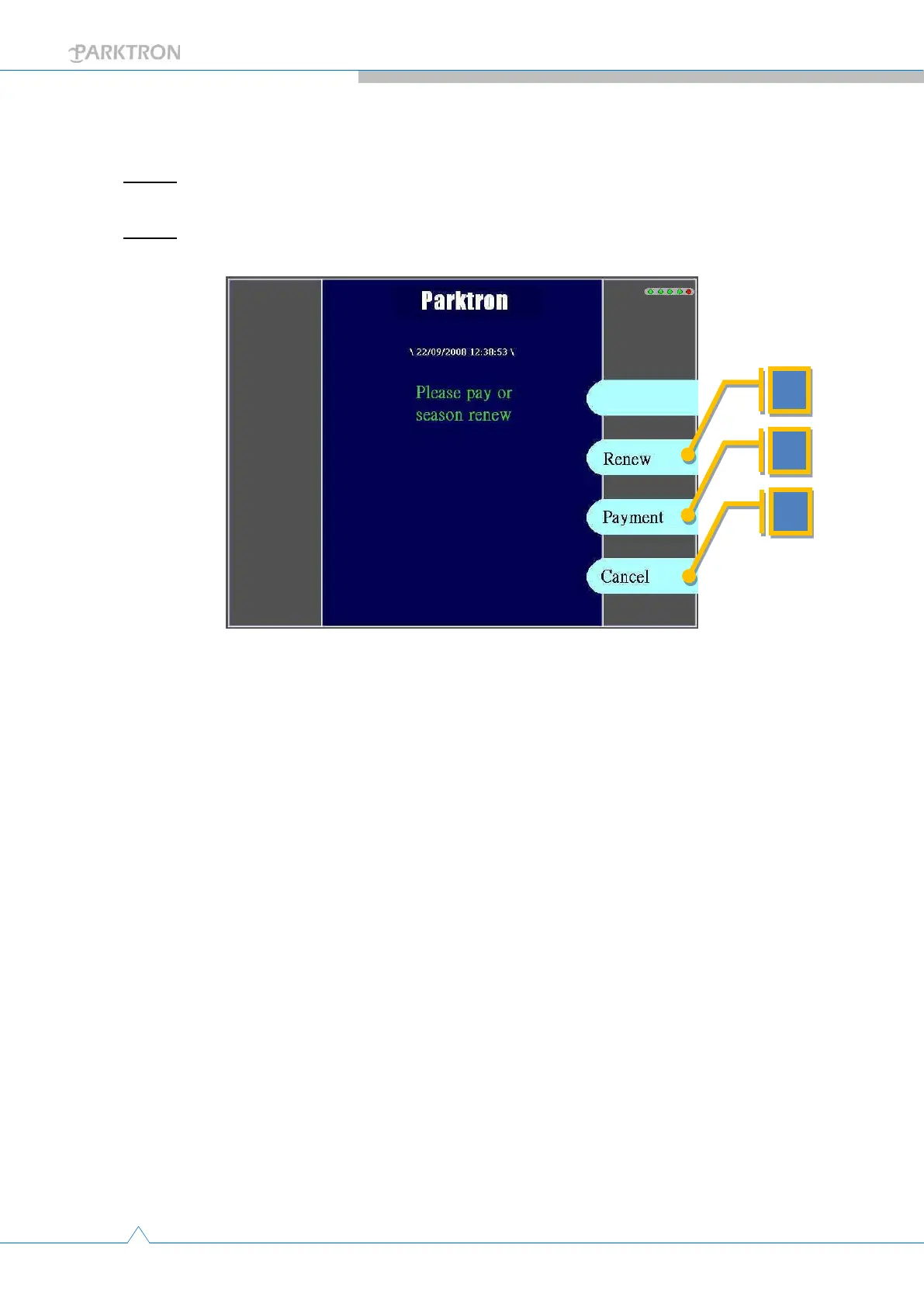
Step 2: After system determines a season card is inserted, the season card operation page
with selection buttons will be displayed:
a. [Renew] (Optional feature): Push to enter season card renewal
page …continue to section 3.2.1 below.
b. [Payment]: Push to conduct an hourly parking payment(when
season card parking time exceeds allowed season parking time
period) …continue to section 3.2.2 below.
c. [Cancel]: Push to cancel operation and card returned back to user.
System display goes back to idle page.



 To Next Page