20
© 2014 - 2024 Parktron Technology Ltd.
coins will be shown in the column next to their recognized denomination accordingly.
Step 3: After testing, push [Return Coins] button to get all the accepted coins returned
back to change outlet. And push [End] button to go back to Maintenance page (2).
3.5.2. Bill testing:
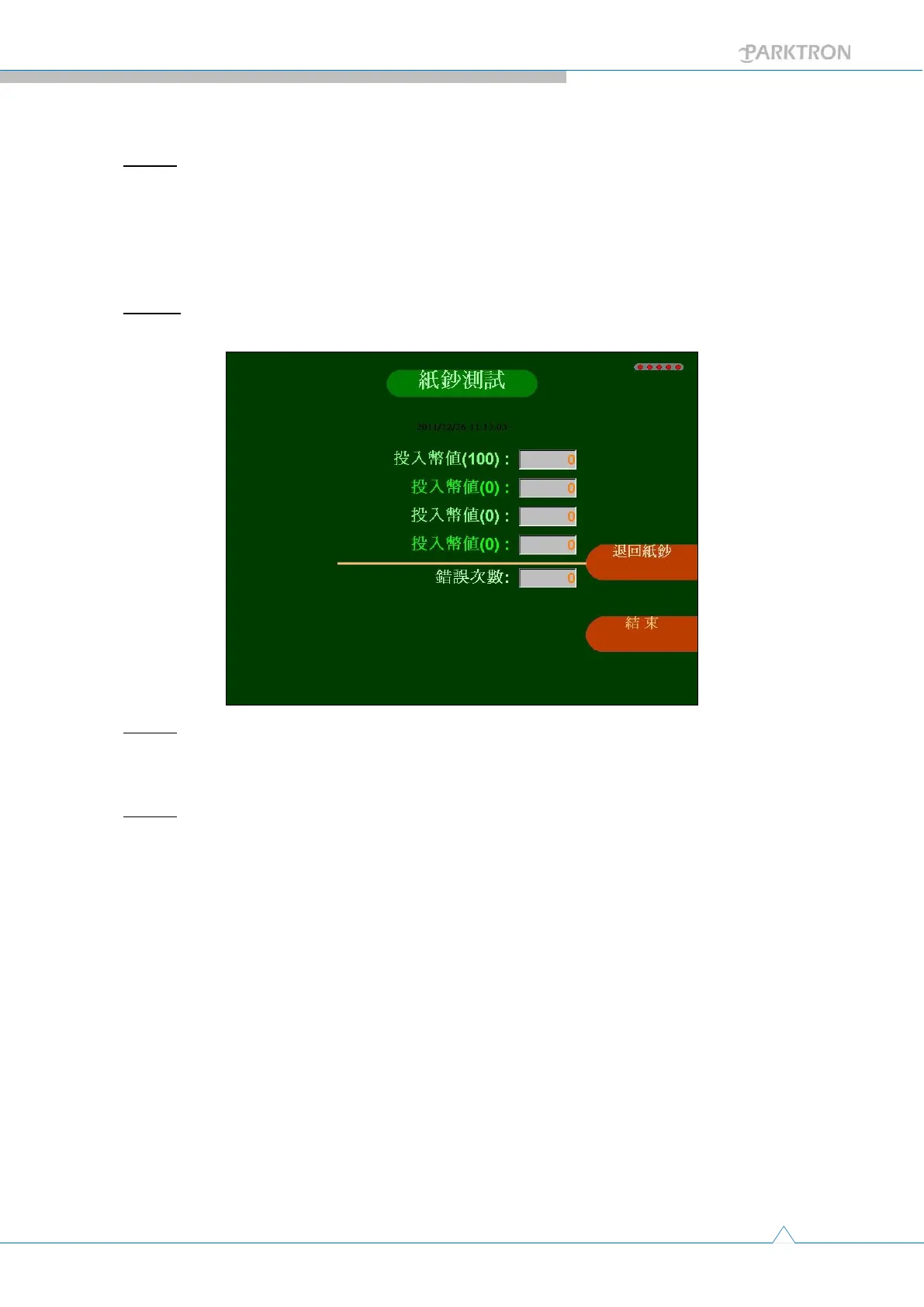
Step 1: Push the [Bill Test] button in Maintenance page (2) to enter the testing page as
below.
Step 2: Insert bills from the bill validator inlet on APS front panel to test. Accepted
number of bills will be shown in the column next to their recognized denomination
accordingly. And number of failed validation will be also recorded in the bottom column.
Step 3: After testing, push [Return Bills] button to get all the accepted bills returned back
to change outlet. And push [End] button to go back to Maintenance page (2).



 To Next Page