Safety instructions
Turn the ignition off before installing the Parrot ASTEROID.
Install the Parrot ASTEROID only on vehicles with a 12 V battery.
Place all cables away from hot places (heater outlet) and moving parts (gear shift,
seat rails...).
Before you begin
Remove your car stereo from your vehicle. You may need release keys to do so.
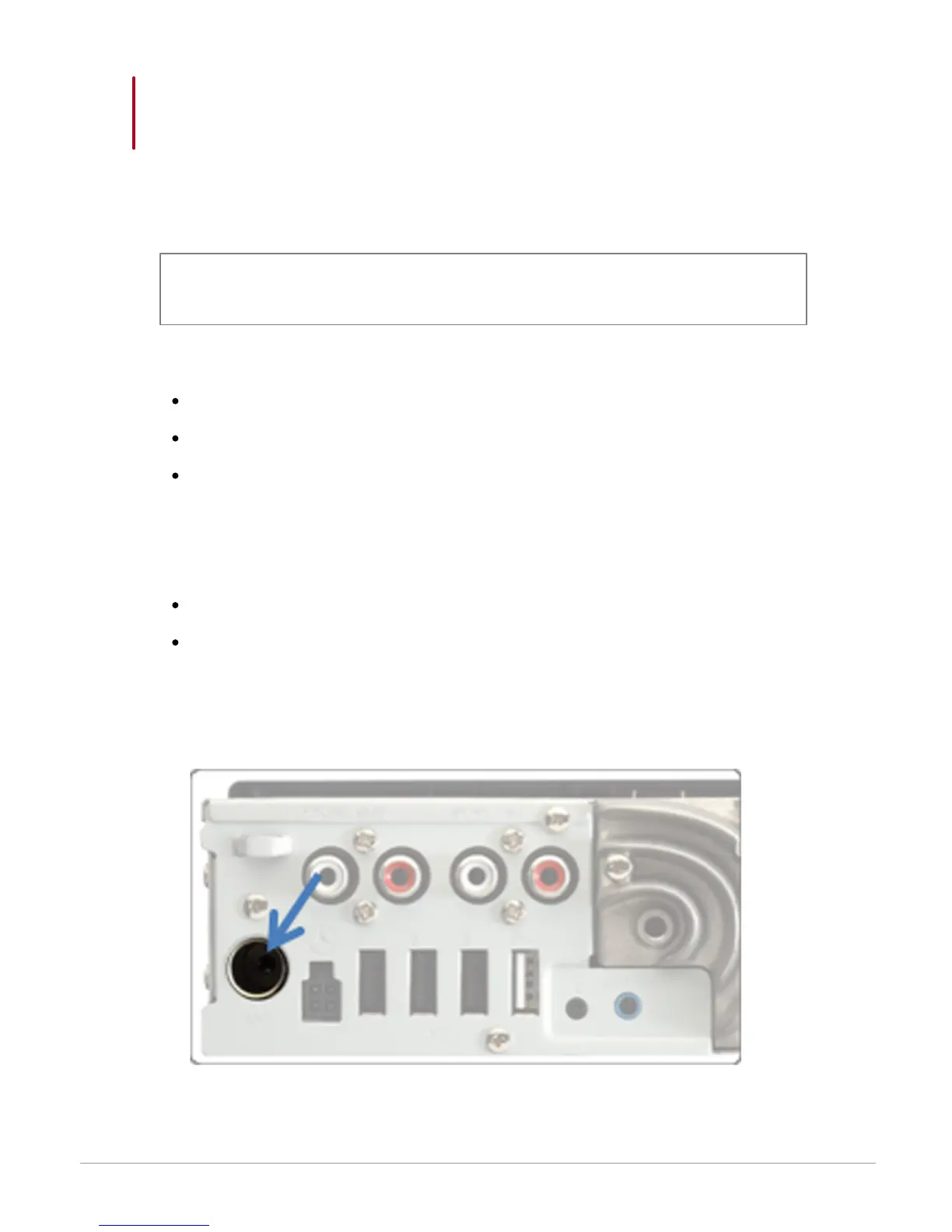
Try to connect the audio and power connectors of the Parrot ASTEROID to the
connectors of your vehicle. If this connection is impossible, you have to obtain an
ISO adapter before installing the Parrot ASTEROID.



 To Next Page