26
Soft-O by PWR-BTTN
Under ACPI (Advanced Conguration and Power management Interface) you can create a software
power down. In a software power down, the system can be resumed by Wake Up Alarms. This
item lets you install a software power down that is controlled by the normal power button on your
system. If the item is set to Instant-O, then the power button causes a software power down. If
the item is set to Delay 4 Sec. then you have to hold the power button down for four seconds to
cause a software power down.
ME Region Protect
When enabled, user cannot ash ME region.
Wake system with Fixed Time
This function is for setting the Date and Time for your computer to boot up. When enabled, more
options will appear for you to specic the Date and Time.
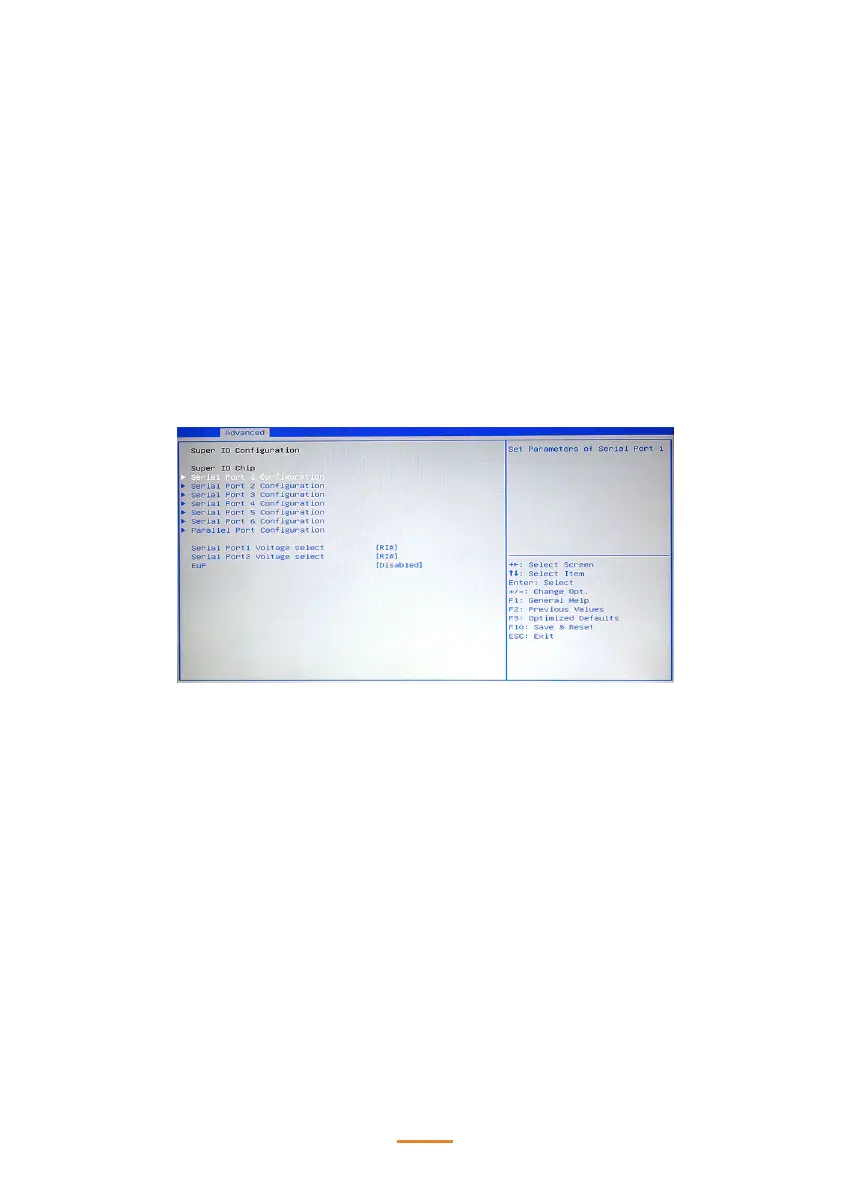
Super IO Conguration
Serial Port X Voltage select
This item allows you to set voltage for a serial port.
EuP
When enabled, the system will meet EuP requirement.



 To Next Page