IDE Channel 0/1/2/3 Master/Slave
This eld is used to congure the IDE hard drive installed in the system. Move the cursor to highlight the IDE
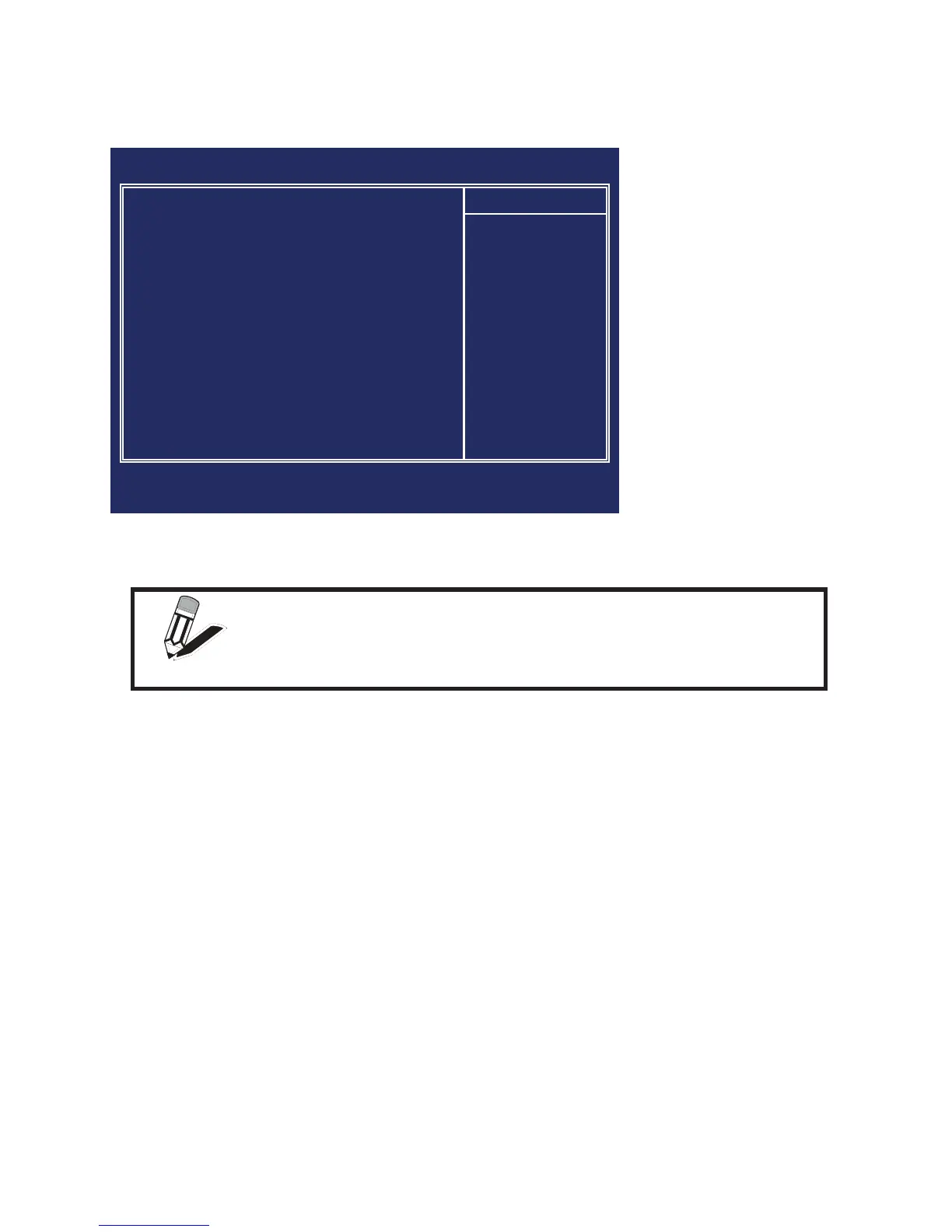
Primary/Secondary Master/Slave elds and press <Enter>. The IDE Primary Master submenu opens:
IDE HDD Auto-Detection
Press Enter while this item is highlighted if you want the Setup Utility to automatically detect and congure a
hard disk drive on the IDE channel.
IDE Channel 0/1/2/3 Master/Slave
If you leave this item at Auto, the system will automatically detect and congure any IDE devices it nds. If
it fails to nd a hard disk, change the value to Manual and then manually congure the drive by entering the
characteristics of the drive in the elds described below:
Capacity – displays the capacity of the HDD in megabytes (MB). •
Cylinder – indicates the number of cylinders that the HDD has. A cylinder is the sum total of all tracks •
that are in the same location on every disk surface.
Head – displays the number of heads in the HDD. A head is a device that reads and writes data on the •
hard disk.
Precomp – displays the track where precompensation is initiated. Precompensation is a feature •
whereby the HDD uses a stronger magnetic eld to write data in sectors that are closer to the center
of the disk. In CAV recording, in which the disk spins at a constant speed, the sectors closest to the
spindle are packed tighter than the outer sectors.
Landing Zone – displays the location of the safe non-data area on a hard disk that is used for parking •
the read/ write head.
Sector – displays the number of sectors available on the HDD. A sector is the smallest unit of storage •
space on a disk.
Access Mode
This item denes special ways that can be used to access IDE hard disks such as LBA (Large Block
Addressing). Leave this value at Auto and the system will automatically decide the fastest way to access the
hard disk drive.
NOTE
If you are setting up a new hard disk drive that supports LBA mode,
more than one line will appear in the parameter box. Choose the line that
lists LBA for an LBA drive.
Phoenix - AwardBIOS CMOS Setup Utility
IDE Channel 0 Master
IDE HDD Auto-Detection [Press Enter]
IDE Channel 0 Master [Auto]
Access Mode [Auto]
Capacity 40022 MB
Cylinder 19158
Head 16
Precomp 0
Landing Zone 19157
Sector 255
Item Help
↑↓→←:Move Enter:Select +/-/PU/PD:Value F10:Save ESC:Exit F1:General Help
F5:Previous Values F6:Fail-Safe Defaults F7:Optimized Defaults
IDE Primary Figure 2.3
Master submenu



 To Next Page