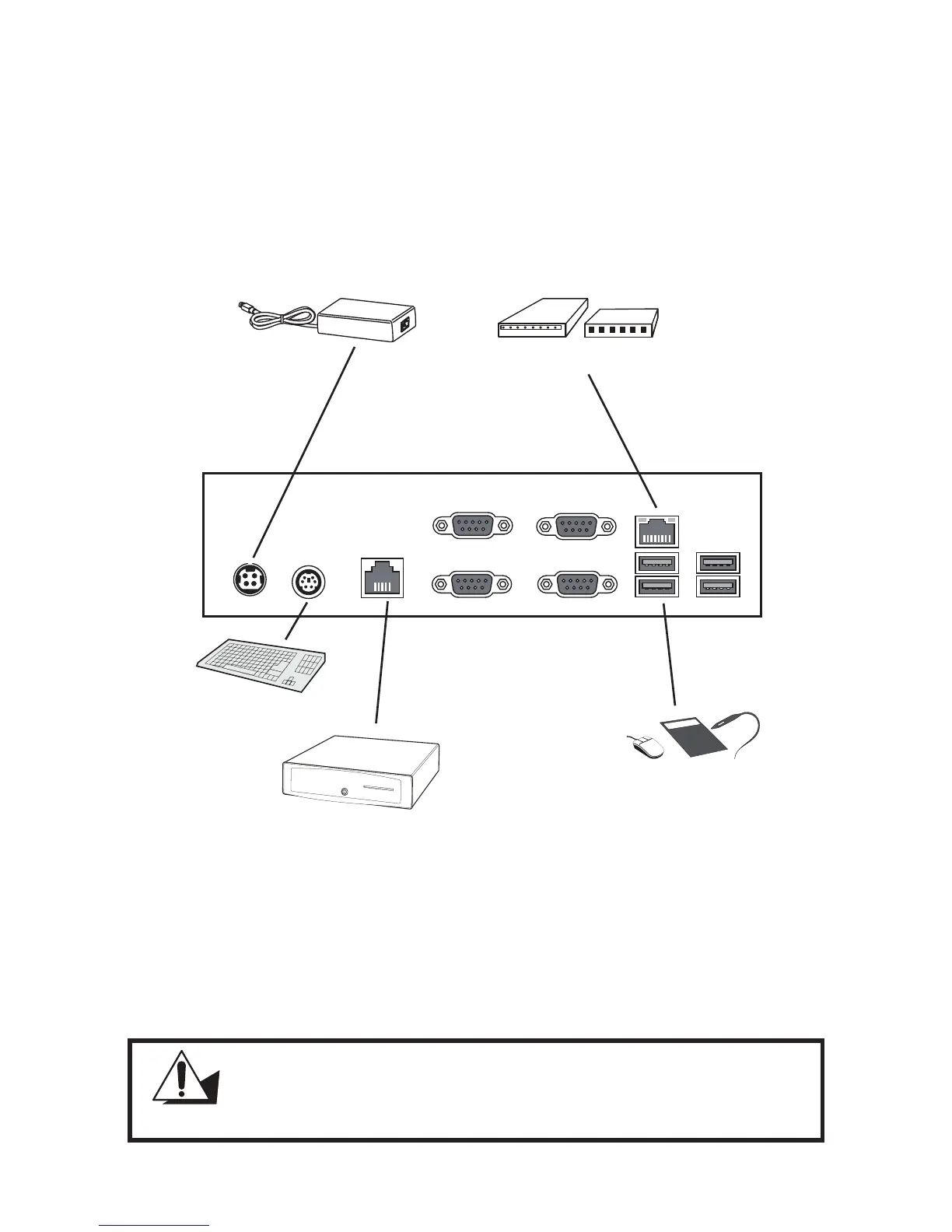
Figure 1.7 Connecting peripheral devices
Connecting peripheral devices
Peripheral devices such as a printer or scanner can be connected to the machine. Refer to the user manual of
the device you are connecting for instructions on installing drivers where needed.
Keyboard
Cashdrawer
USB Compliant
devices
Adapter
ADSL modem or router
MR HS AA CD OH SD RD TR
CAUTION
Do not plug a phone line into the RJ-45 (ADSL or router) connector.
Doing so can damage the connector.



 To Next Page