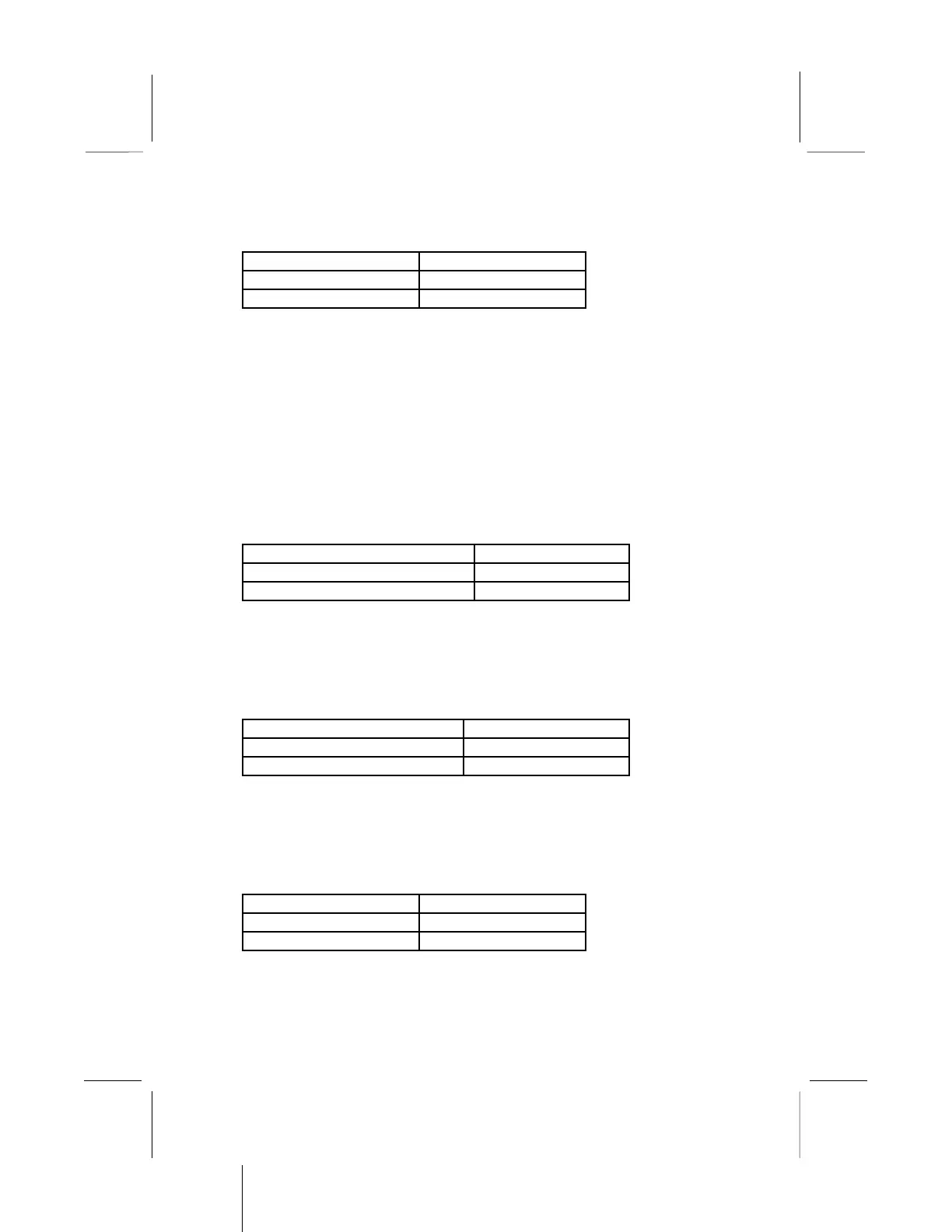
Function Jumper Setting
Normal Operation Short Pins 1-2
Clear CMOS memory Short Pins 2-3
Note: The mainboard ships with this jumper in the CLEAR
position so you must change this jumper to NORMAL.
Jumper JP2: Keyboard Power On Selector
If you are using an ATX power supply unit, you can use hot keys
on your keyboard as a power on/off switch for the system. Use this
jumper to turn this feature on or off.
Note: Make sure that the system can provide 1A on +5VSB (+5V
Standby) signal before using the Keyboard Power On function.
Function Jumper Setting
Disable Keyboard Power On Short Pins 1-2
Enable Keyboard Power On Short Pins 2-3
Jumper JP6: LAN Enable/disable Selector
This mainboard has a built-in 10BaseT/100BaseTX network
adapter. If you plan on using an alternative network adapter, you
must use this jumper to disable the onboard network adapter.
Function Jumper Setting
Enable onboard LAN Short Pins 1-2
Disable onboard LAN Short Pins 2-3
Jumper JP8: Audio System Enable/disable
Use this jumper to enable or disable the audio system integrated on
this mainboard. Disable the built-in audio if you plan on using
another audio system on an expansion card.
Function Jumper Setting
Enable Audio Open Pins 1-2
Disable Audio Short Pins 1-2
Note: If you disable the onboard audio system, you cannot
use the onboard Fax/Modem.


 To Next Page