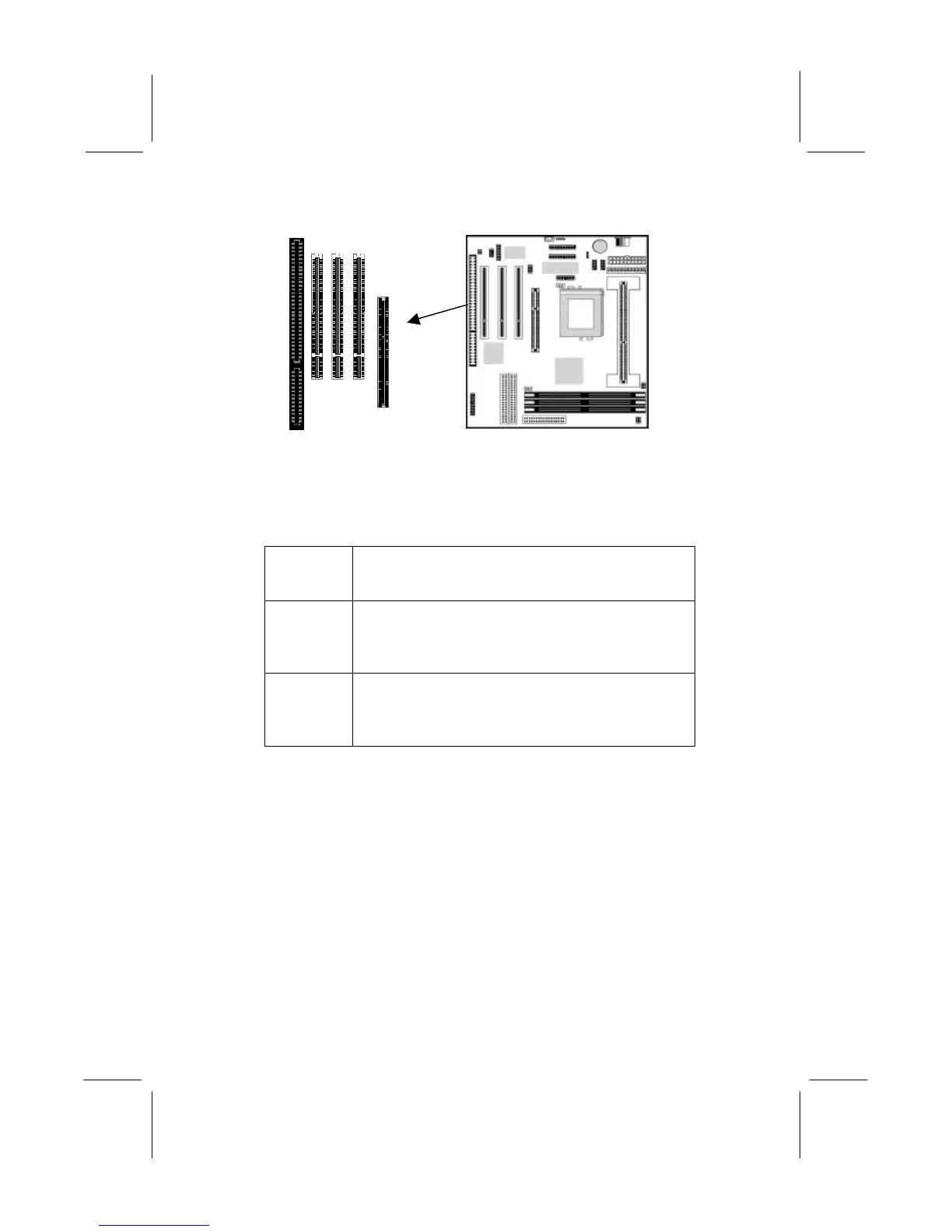
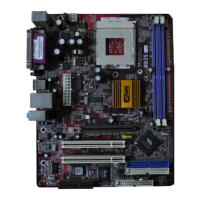
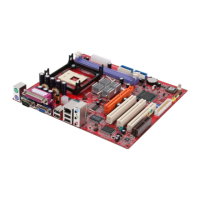
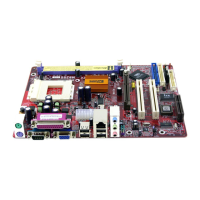
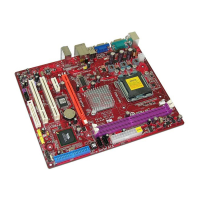
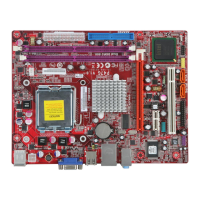
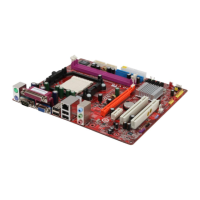
Follow the steps below to install an add-in card into one of the
slots.
1. Determine which slot you need to use. The table below shows
the functions of the slots.
AGP AGP stands for Accelerated Graphics Port.
Use this slot to install a graphics adapter which
has an AGP edge connector.
PCI PCI stands for Peripheral Components
Interconnect. Use this slot to install current
add-in cards which have a 32-bit PCI edge
connector.
ISA ISA stands for Industry Standard Architecture.
Use this slot to install older, legacy add-in
cards which have an 8/16-bit ISA edge
connector.
2. Locate the ISA or PCI or AGP slot on the mainboard.
3. Remove the blanking plate from the appropriate expansion slot
on the system chassis.
4. Install the edge connector of the expansion card into the slot
and press it quite firmly down so that it is seated correctly.
5. Secure the bracket of the card into the expansion slot in the
system chassis using the screw that held the blanking plate in
place.
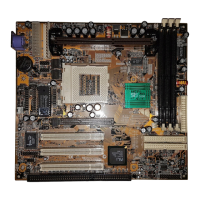
ISA1
PCI3
PCI2
PCI1
AGP


 To Next Page