PDI-P20LCD User Manual
Document Number: PD196-040 Rev4
- 13 -
SPK
The internal TV’s speakers can be turned OFF for privacy. TV sound will only be heard using the
pillow speaker. NOTE: The SPK switch also turns OFF the H/P headphone jack as well.
1. To turn Off the TV’s speakers, press the “O”.
2. To turn On the TV’s speakers, press the “I”.
Note: Pillow Speaker sound is always present.
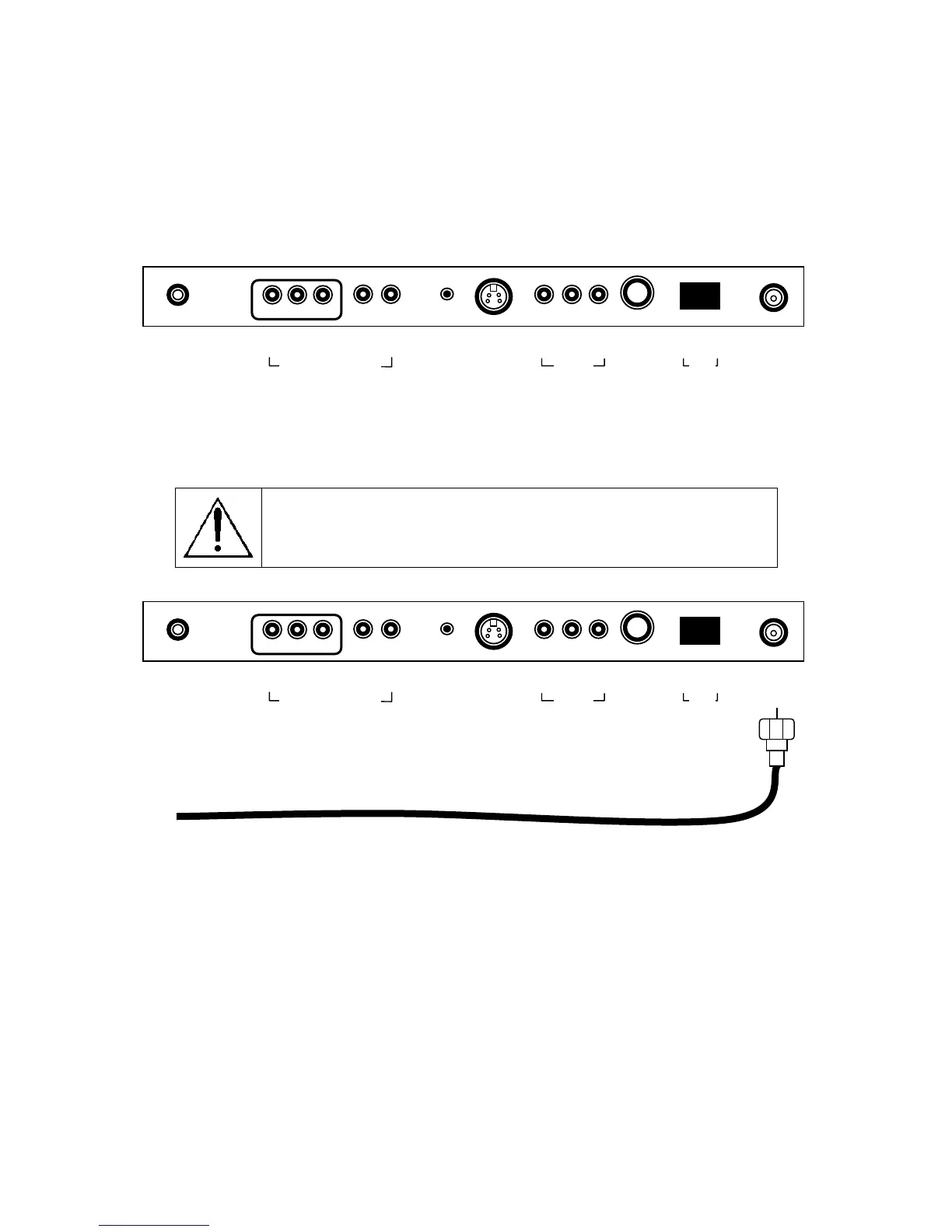
ANT.
Connect the hospital’s cable to this fitting.
CAUTION: Some hospital cable systems provide power voltage on the
coaxial cable. The PDI-P20LCD is NOT designed to be powered via a
coaxial cable. Do not connect to a powered coaxial cable. Damage will
result to the TV.
0 I
▲
ANT.
▲
S-VIDEO
▲
H/P
▲
PILLOW
▲
DC 15V
▲ ▲
OFF ON
▲ ▲ ▲
VIDEO L(MONO) R
▲ ▲ ▲
Y CB CR
▲ ▲
L R
COMPONENT IN
/V IN
SPK
0 I
▲
ANT.
▲
S-VIDEO
▲
H/P
▲
PILLOW
▲
DC 15V
▲ ▲
OFF ON
▲ ▲ ▲
VIDEO L(MONO) R
▲ ▲ ▲
Y CB CR
▲ ▲
L R
COMPONENT IN
/V IN
SPK



 To Next Page