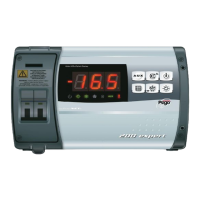
GENERAL
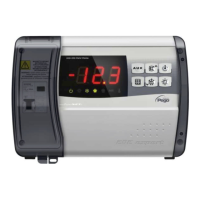
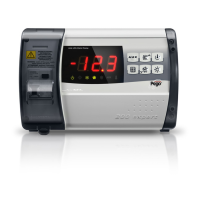
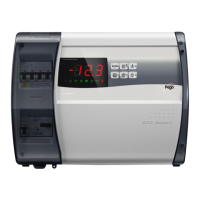
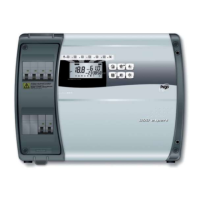
To enhance safety and simplify the operator’s work, the ECP202 EXPERT + BASE
system has two programming levels; the first level (Level 1) is used to configure the
frequently modified SETPOINT parameters. The second programming level (Level 2) is for
general parameter programming of the various controller work modes.
It is not possible to access the Level 2 programming directly from Level 1: you must exit
the programming mode first.
SYMBOLOGY
For purposes of practicality the following symbols are used:
• () the UP key is used to increase values and mute the alarm.
• () the DOWN key is used to decrease values and force defrosting.
SETTING AND DISPLAYING THE SET POINT
1. Press the SET key to display the current SETPOINT (temperature).
2. Hold down the SET key and press the () or () keys to modify the SETPOINT.
3. Release the SET key to return to cold room temperature display: the new setting will
be saved automatically.


 To Next Page
 Loading...