BASIC OPERATION [SHOOTING]
39
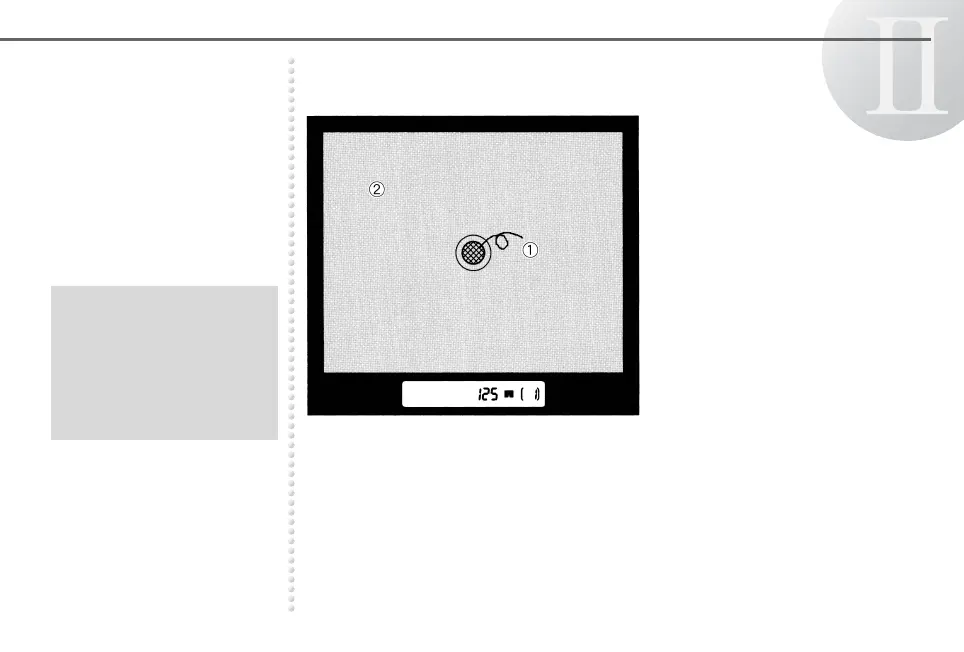
Taking a Picture The viewfinder appears as illustrated below. You can use ➀ or ➁ for
focusing.
➀ Microprism field
Turn the focusing ring until the
image on the microprism
appears sharp and crisp.
➁ Matte field
Turn the focusing ring until the
image on the matte field
appears sharp and crisp.
● Adjust the diopter before
use if the view from the
viewfinder is not clear. See
page 33.
● An interchangeable focusing
screen is available. See
page 70.



 To Next Page