ADVANCED OPERATION
56
Using the Spot Metering Mode
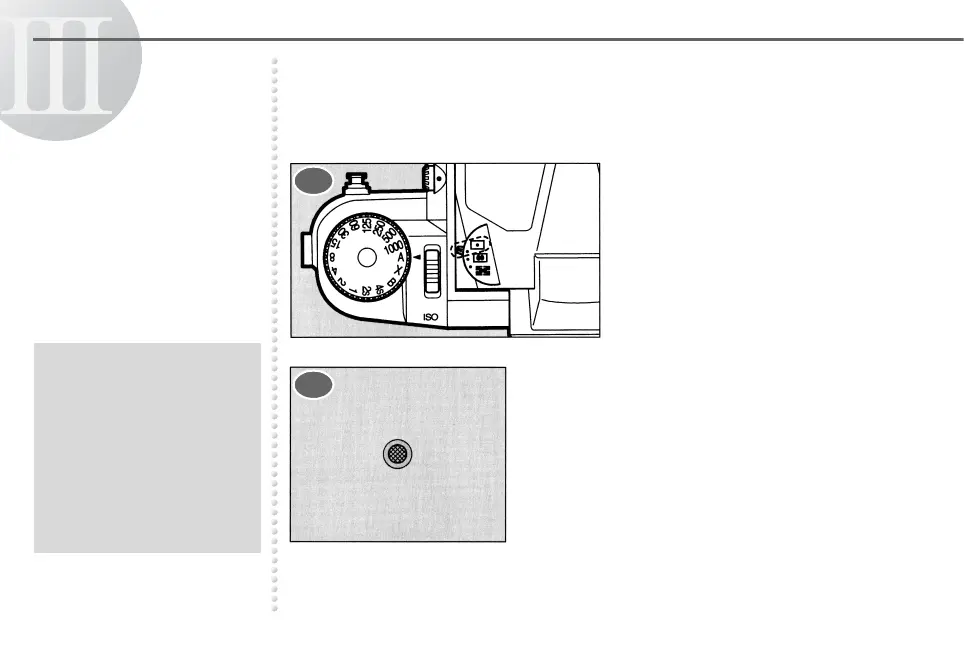
The Spot Metering Mode measures light only in the small area in the
center of the viewfinder.
Set the metering mode selector
to the I position. I is
displayed in the viewfinder.
Measure with the small area of the
viewfinder as illustrated.
● If the brightness range
between the center of the
picture and the surrounding
areas is too great, the
exposure should be
determined in
consideration of the overall
brightness. Otherwise, the
picture will come out
improperly exposed.
1
2



 To Next Page