ADVANCED OPERATION
47
Selecting an
Exposure Mode
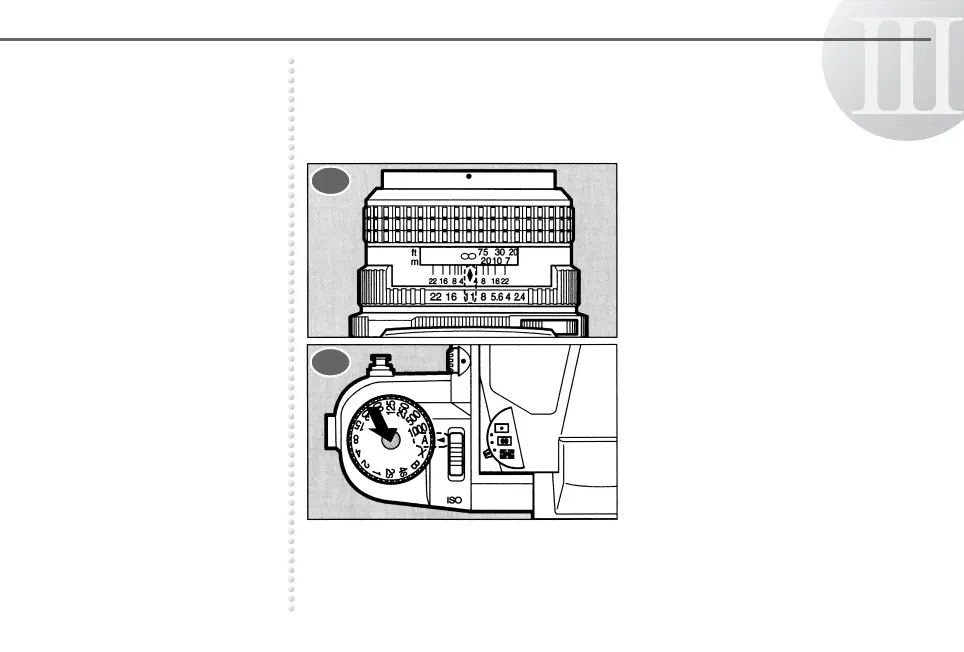
Using the Aperture-Priority AE Mode
When the desired aperture is selected, the camera automatically
selects an appropriate shutter speed for a proper exposure.
Set the lens aperture ring to the
desired f-stop position.
Turn the shutter speed dial to b
while holding down the shutter
speed dial lock button.
1
2



 To Next Page