ADVANCED OPERATION
46
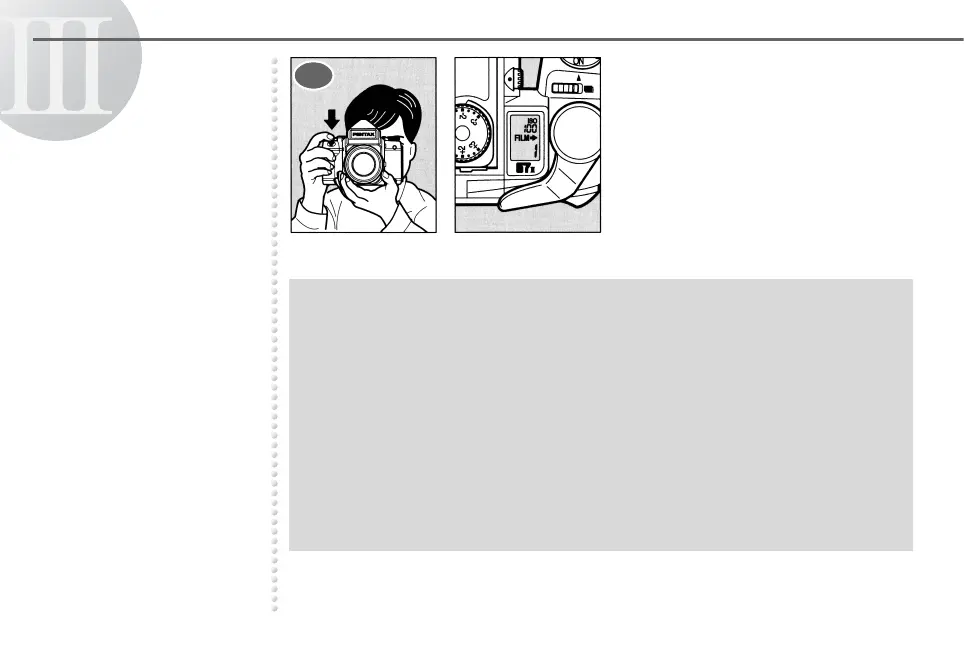
Depress the shutter release
button. The film counter
indicators in the viewfinder and
on the LCD panel stop blinking.
➥➥
● To expose the third shot, set the multi-exposure lever in the lock position in the
same manner as step 1 after taking the second shot.
● When using the Multi-Exposure Mode, you usually get the best results using a flash
to illuminate the main subject against a dimly-lit background.
● Once the Multi-Exposure Mode is set, it cannot be canceled normally. If you want to
cancel it, cover the lens with the cap, set the shutter speed to 1/1000 of a second,
set the aperture to the minimum value, and depress the shutter release button in a
dark place.
● When making the multi-exposures on the last frame of the film, E appears on the
LCD panel after the first-exposure is made and then [10] or [21] appears when the
shutter is cocked for second exposure while holding down the multi-exposure lever.
4



 To Next Page