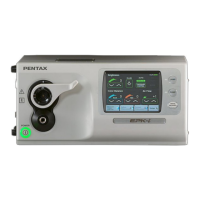
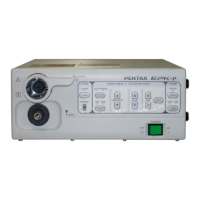
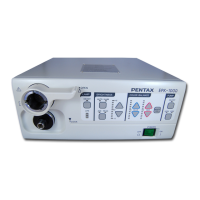
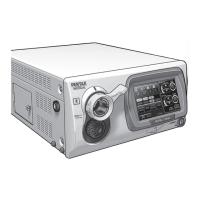
No. NAME FUNCTION
1 Lamp Service The LED lights when the lamp is NOT ignited after power ON.
-Replace the lamp only by Pentax service facilities.
2XLUM Switch maximizes a light amount to enable the user to identify the position of the distal end of an
endoscope.
Used for transillumination or when processor is used as a conventional light source with
fiberscopes.
When activated, the LED on 3, 4, and 5 go out and become automatically invalid.
3
AUTO/MAN Select Switch
selects AUTO (automatic) or MAN (manual) brightness control mode. When MANUAL is
selected, AVE/CENT SWITCH lights OFF and becomes automatically invalid.
4
AVE/CENT Select Switch
Selecting AUTO will require selection of light measuring method, AVERAGE or
CENTER.
AVERAGE: the brightness level is adjusted with respect to an averaging of the brightness
of the video signal.
CENTER: the brightness level is adjusted with respect to the brightness of the center of
the screen.
5 Brightness Indicator Indicates the brightness level settled by the user.
6 Brightness controls the brightness level.
Adjustment
△
increases the brightness level.
Switch
▽
descreases the brightness level.
7 Color Balance Switch adjusts the video image color, Blue or Red by +/- 5 steps.
The balance level is shown at the bottom on the screen.
8 Copy Switch Depressing the switch will automatically freeze the image, activate a hard copy system to
capture the image.
9 Freeze Switch freezes the image on the main screen while the sub-screen displays the live endoscopic
image.
CAUTION


 To Next Page
 Loading...