18
5. OPERATION
-Before turning the EPK-700 ON, ensure the air flow
vents are not obstructed.
5-1 FUNCTION KEY INDEXES
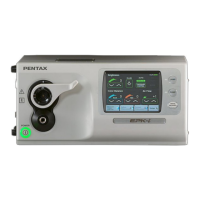
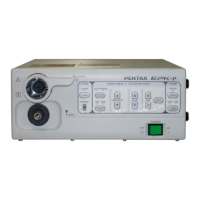
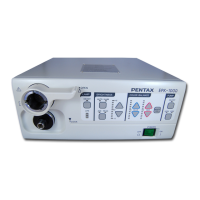
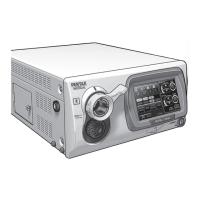
The EPK-700 video processor function may be controlled from
either the processor front panel control buttons, function key
menu selections or the video endoscope control buttons
(F,C,V,). The description for each function to follow will
indicate the control options.
There are two (2) Function key menus, for details on each
function refer to the appropriate section of this manual.
Press F10 and the function menu will be displayed on the main
screen;
Pressing F10 again or ESC key will remove this menu from the
main screen.
Hold the Ctrl key and press F10 and the second function menu
will be displayed on the main screen;
Pressing Ctrl key and F10 again or ESC key will remove this
menu from the main screen.
5-2 SETTING THE DATE AND CLOCK
1. Press the F7 function key .
2. The screen cursor will appear as a flashing underline on the
first character of the Date.
3. The format for the Date field is MM/DD/YY,
MM = Month DD = Day YY = Year
The format for the Time field is HH/MM/SS,
HH = Hour military notation
AM hours are expressed as number
example 7 AM = 07.
PM hours are expressed as the hour + 12
example 7 PM = 7 + 12 = 19.
MM = Minute
SS = Second
-There is a SECOND ADJUSTMENT FUNCTION, F6,
which can be used to reset the second counter, see 5-3.
4. To change information, type the correct information using
the number keys in the alpha group or press the Num Lock to
activate and use the number keys at the right of the keyboard.
The cursor will advance with each number typed. Do NOT
press Enter during input.
5. To advance through a field without changing the
information, use the Right arrow key.
6. To end this operation, press Enter or F7 or ESC key.
-The EPK-700 has a battery backup memory and will
retain and advance the Date and Time accordingly even if the
unit is turned OFF or disconnected from the power outlet.
NOTE
NOTE
NOTE


 To Next Page
 Loading...